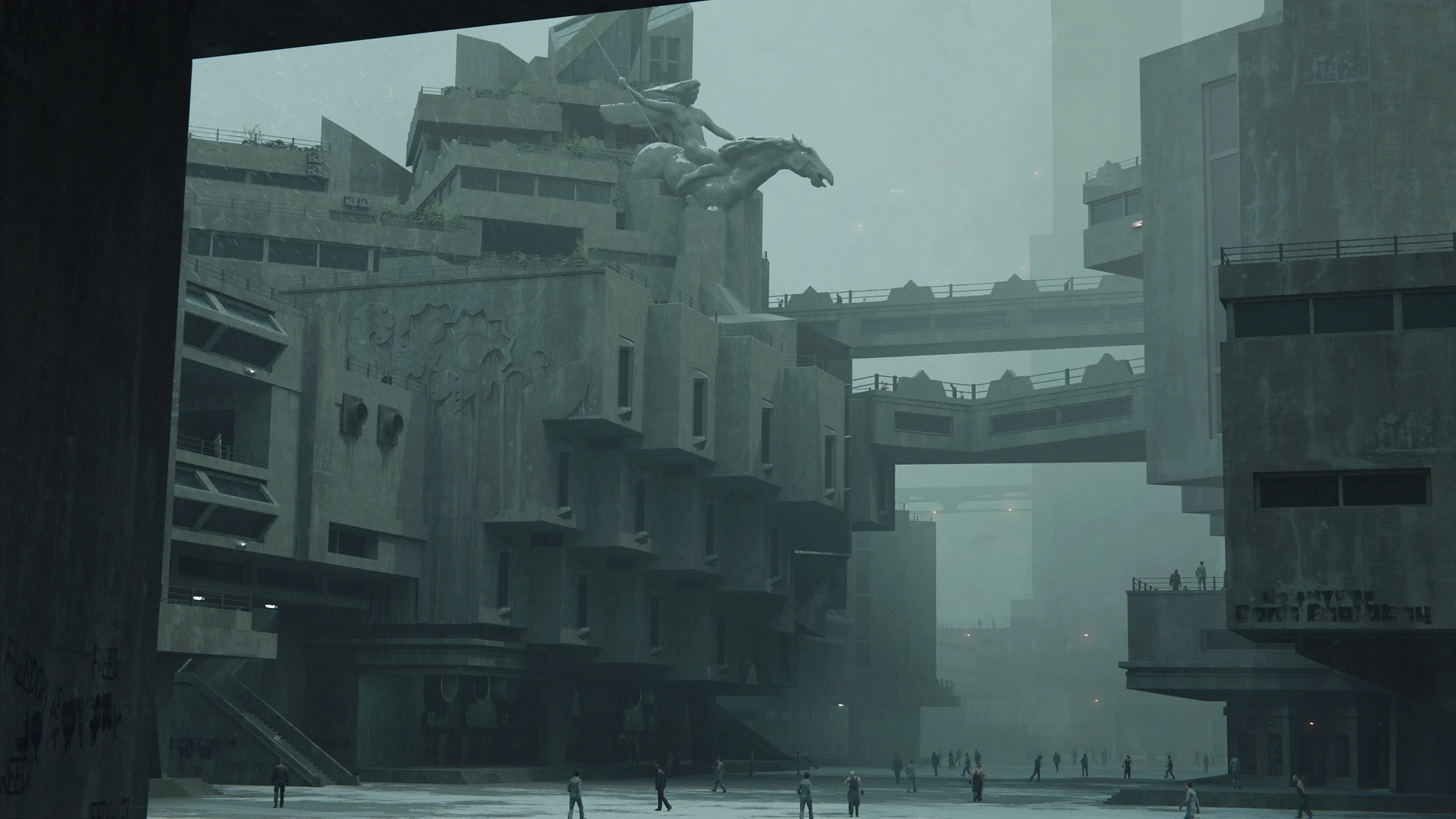
Hard Surface Design in Fusion360
| Time: | TBA |
| Class date | January 2026 |
| Class length: | 8 weeks |
| Instructor: | Marnix Rekkers |
| Location: | ONLINE |
| Course type: | LIVE SESSIONS |
| Limited seats: | 15 |
Course description
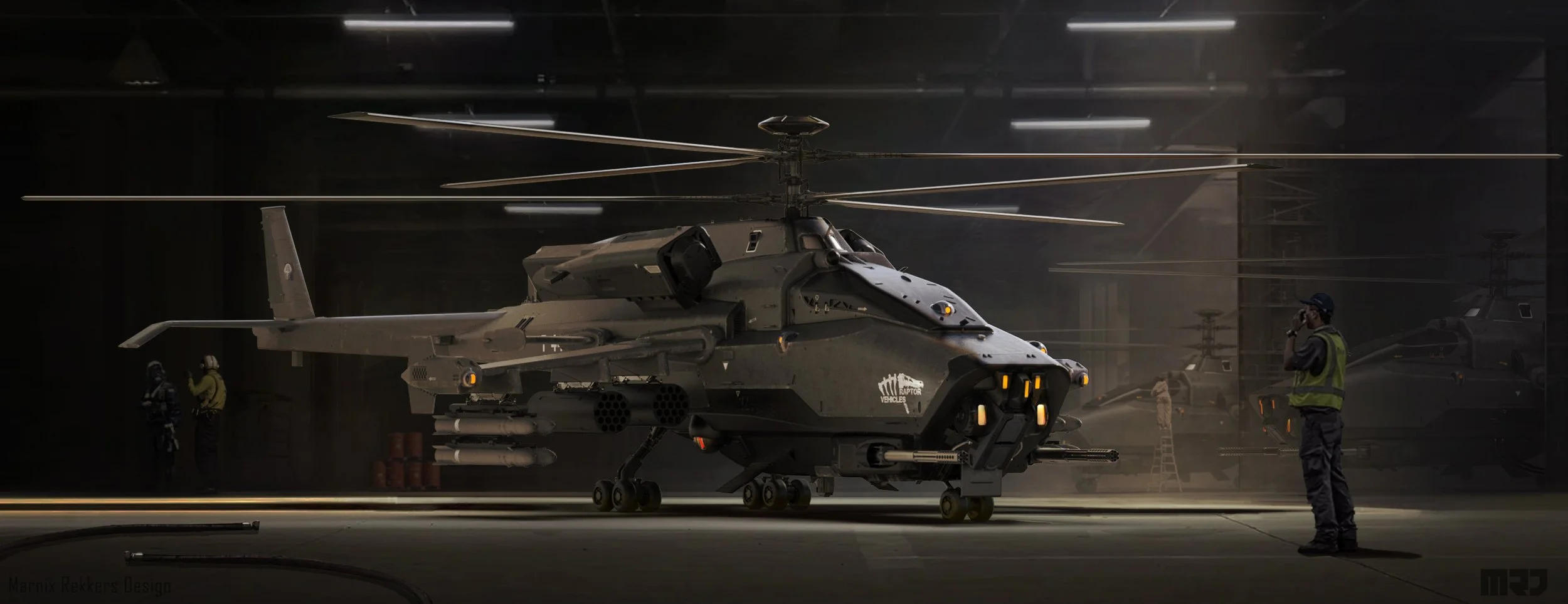
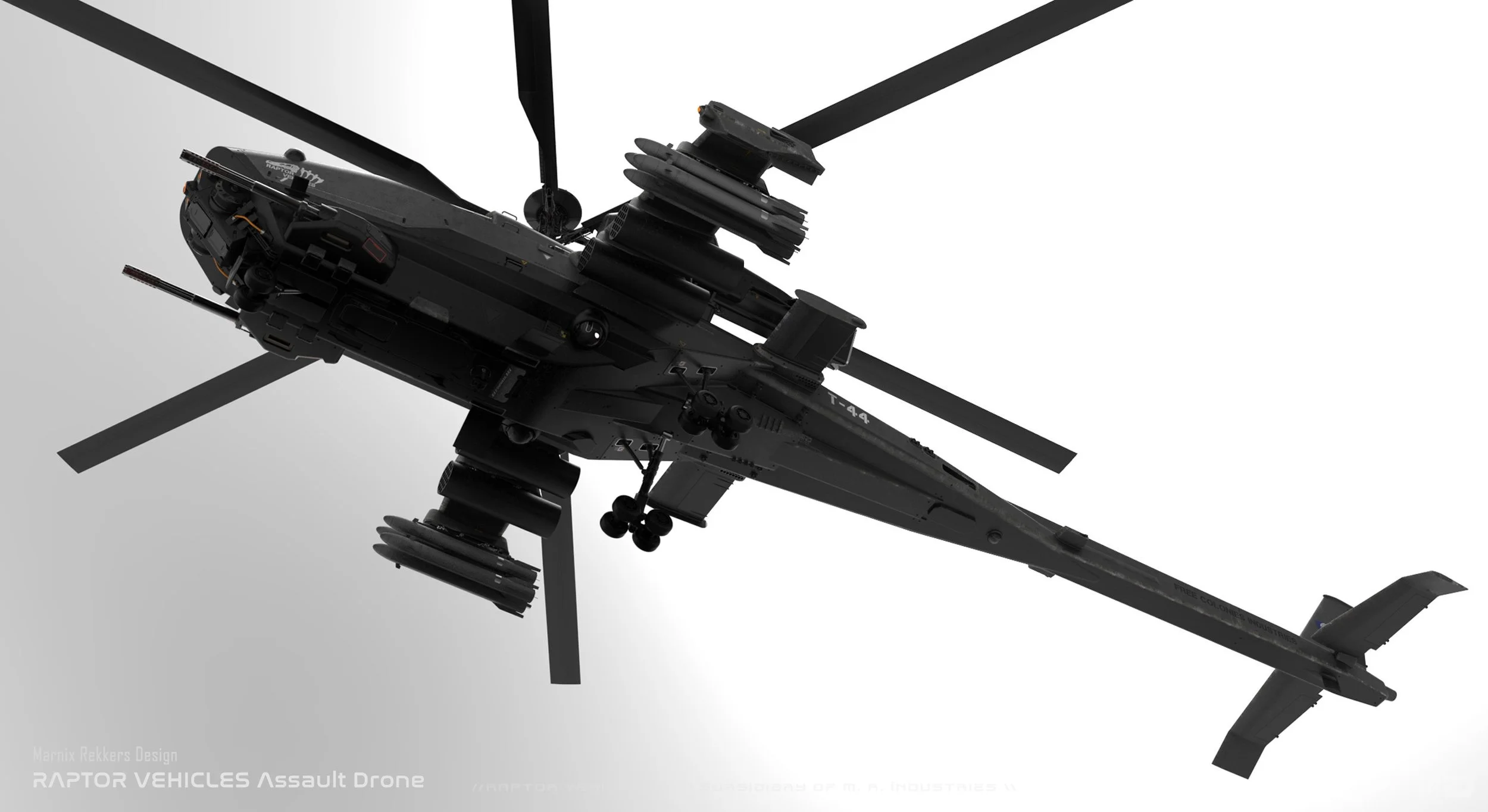
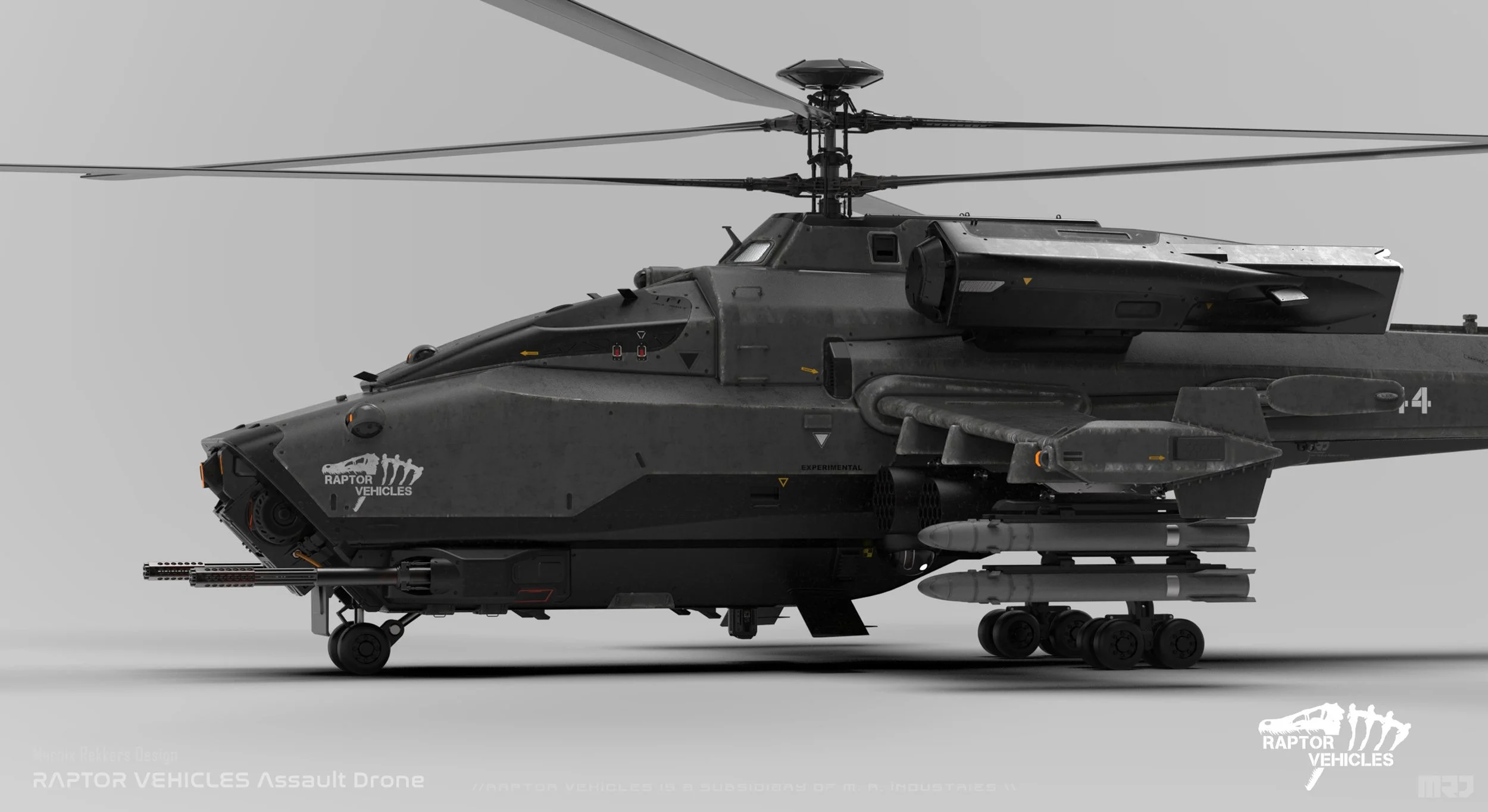
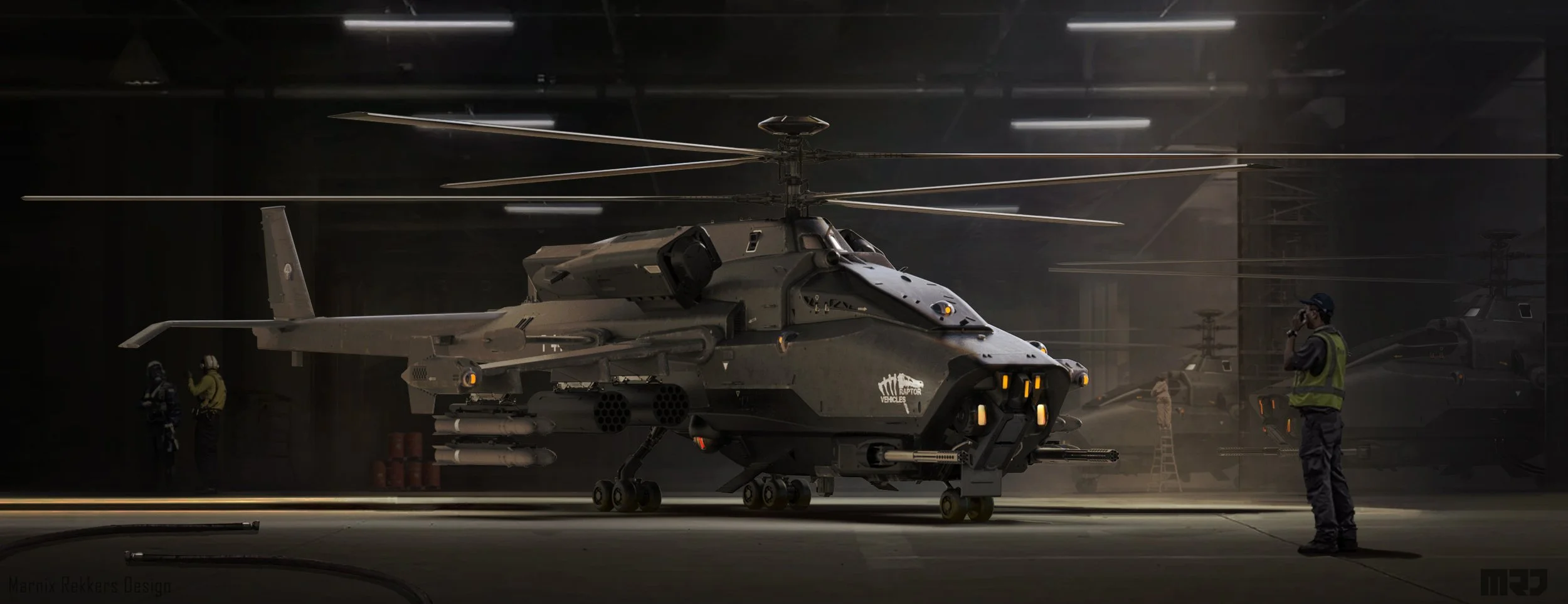
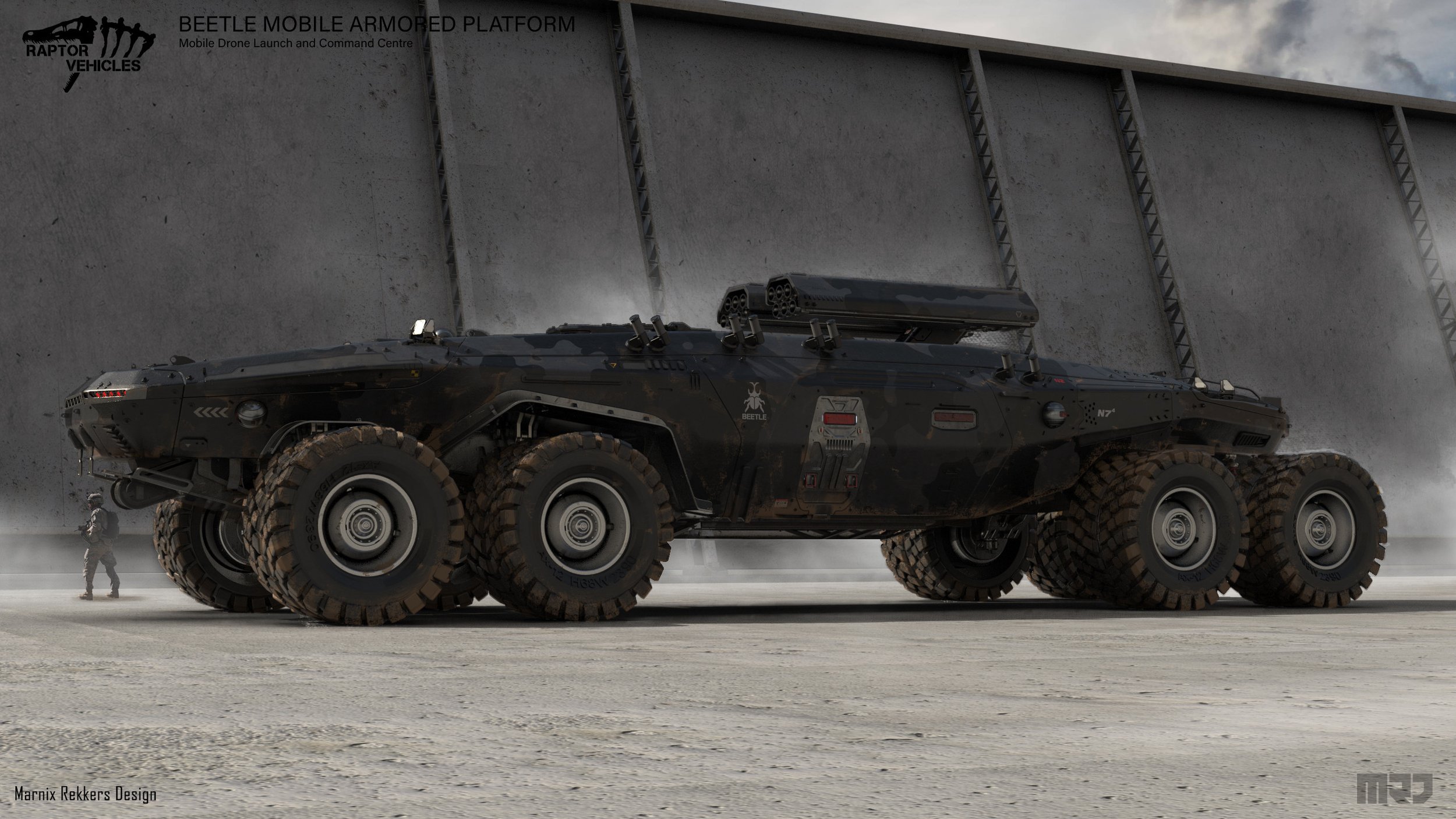
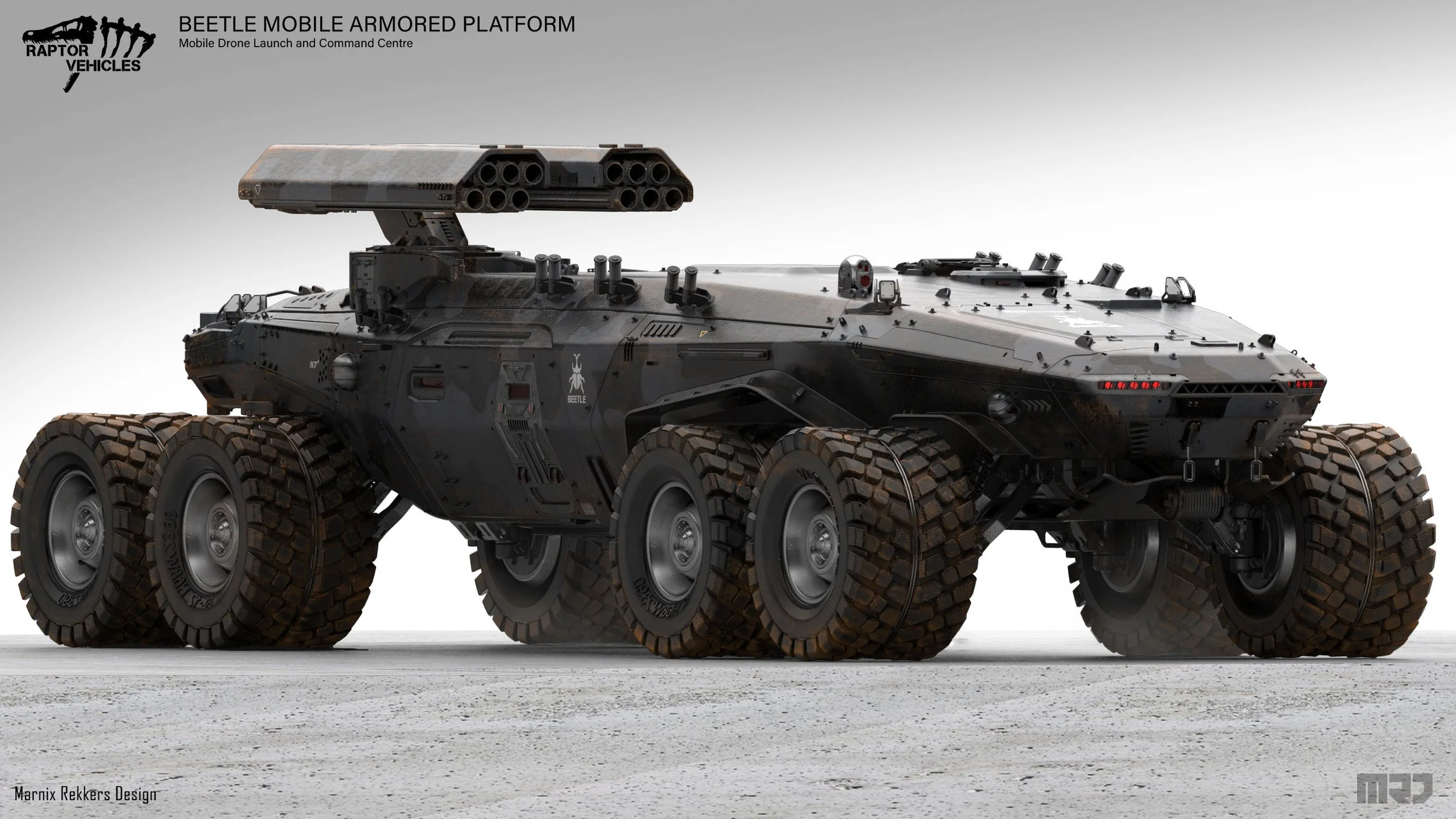
See how Hardsurface Concept Designer Marnix Rekkers brings one of his iconic APC designs to life through all the phases starting from scratch in Fusion360 all the way to the final design and presentation in Keyshot.
Teacher

Marnix Rekkers is a senior Concept Designer and Artist
with a Master Of Science Degree from the University of Breda of Applied Science,
His main skills are In Hardsurface designs, he designs everything from starships to Hand held Devices.
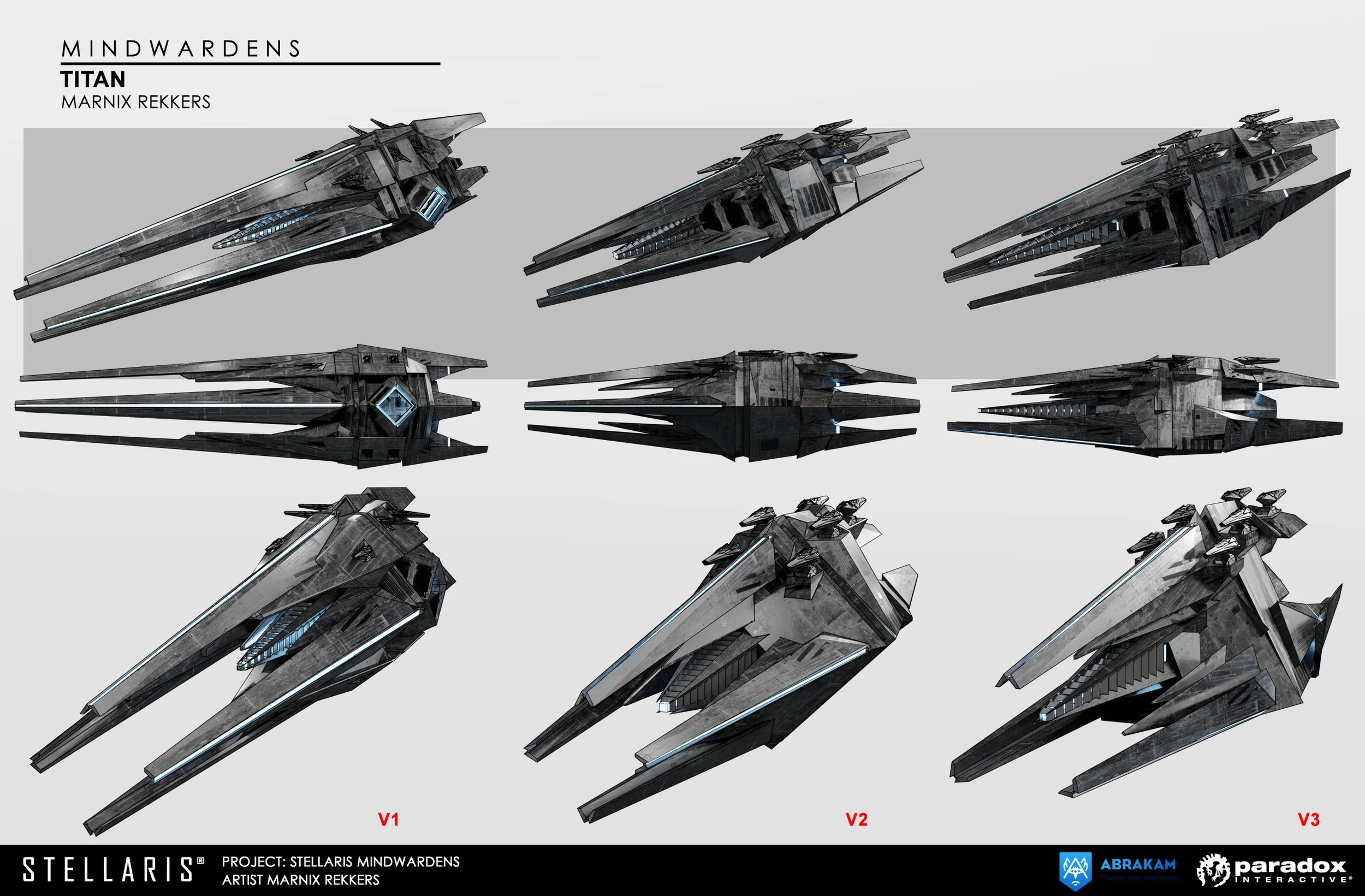
In the past 9 years, he has worked on many projects for clients like: Romero Games, EA, Paradox Interactive and many more!
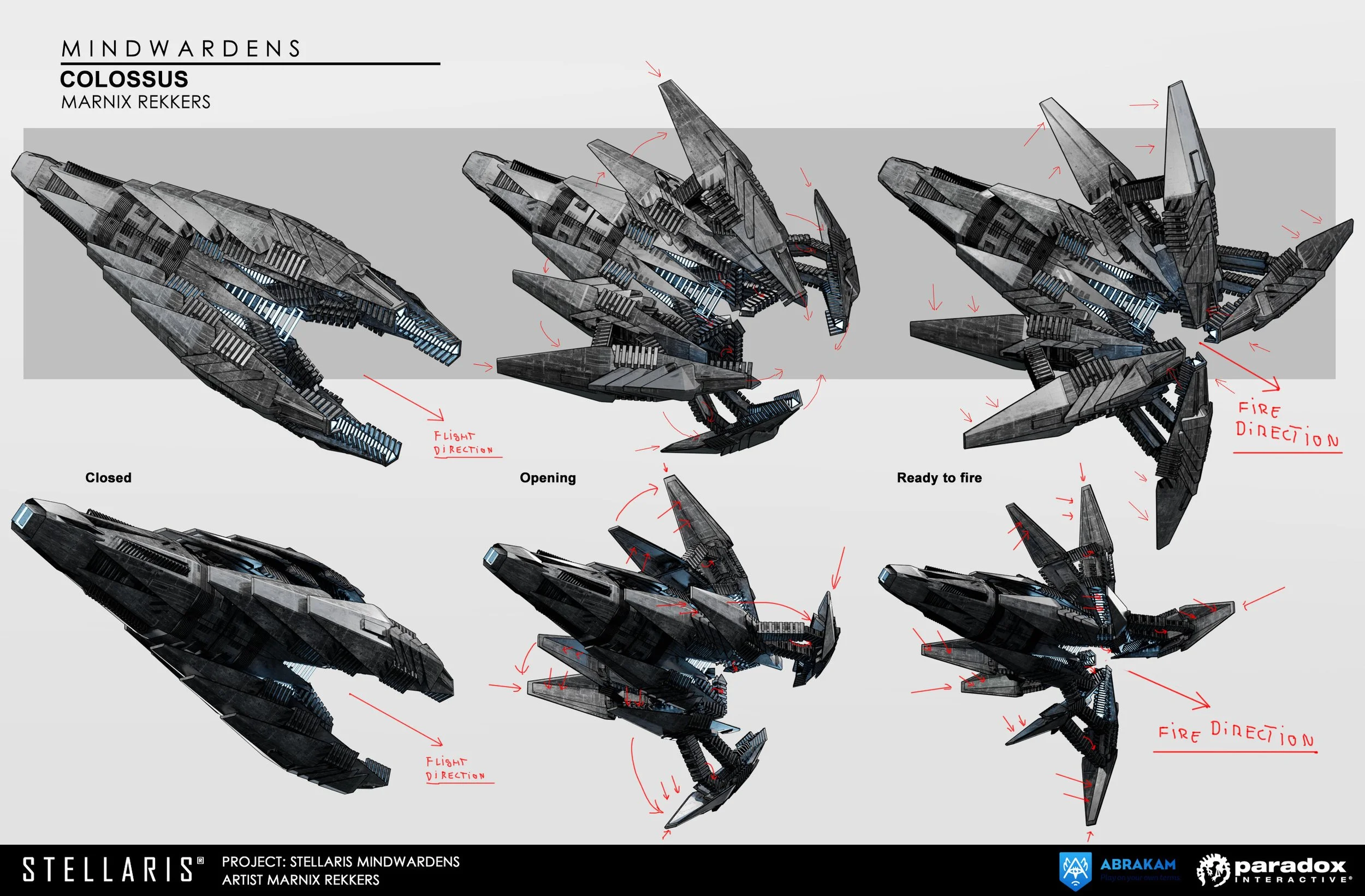
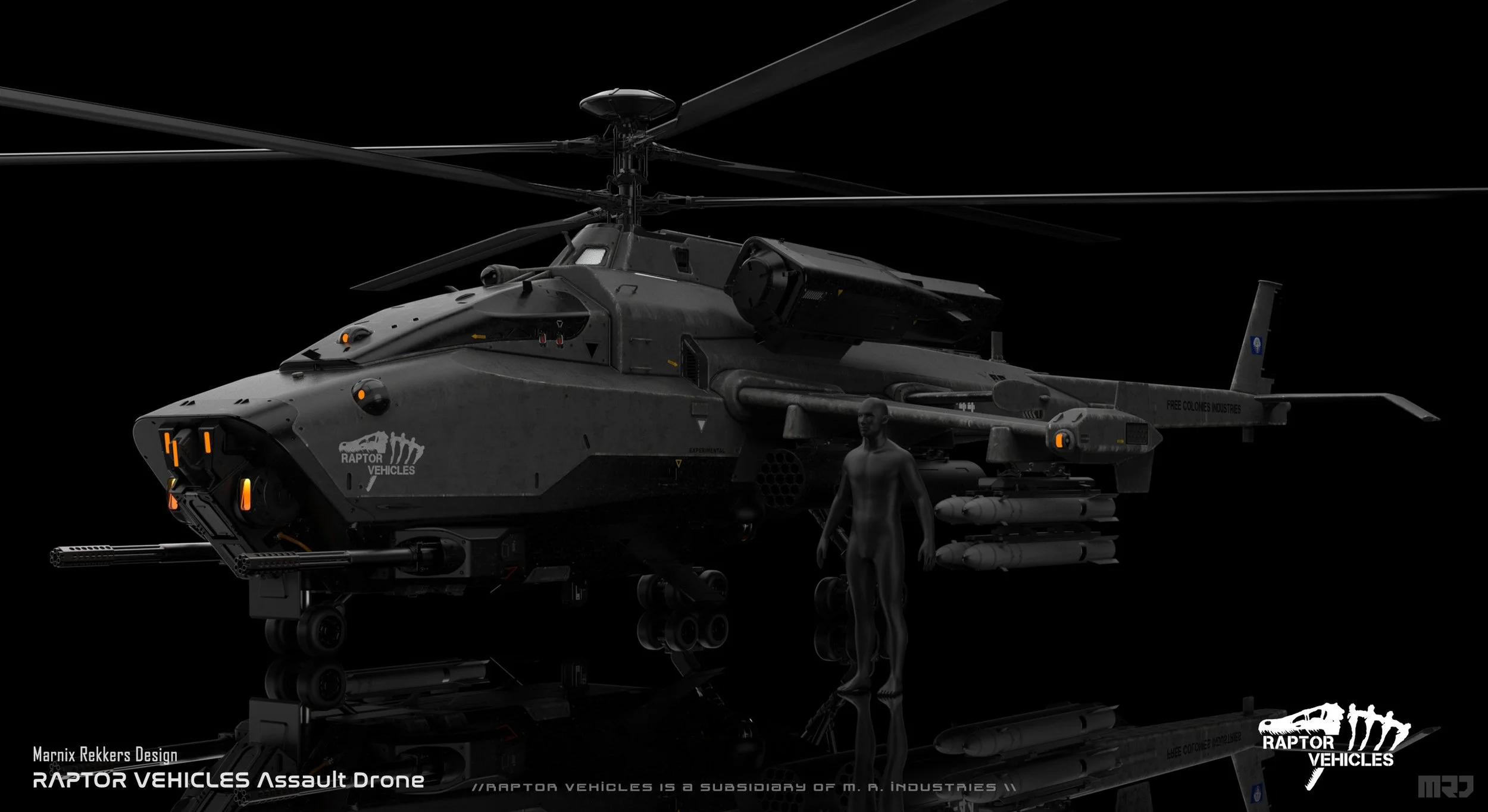
Week to week - Brief schedule
-
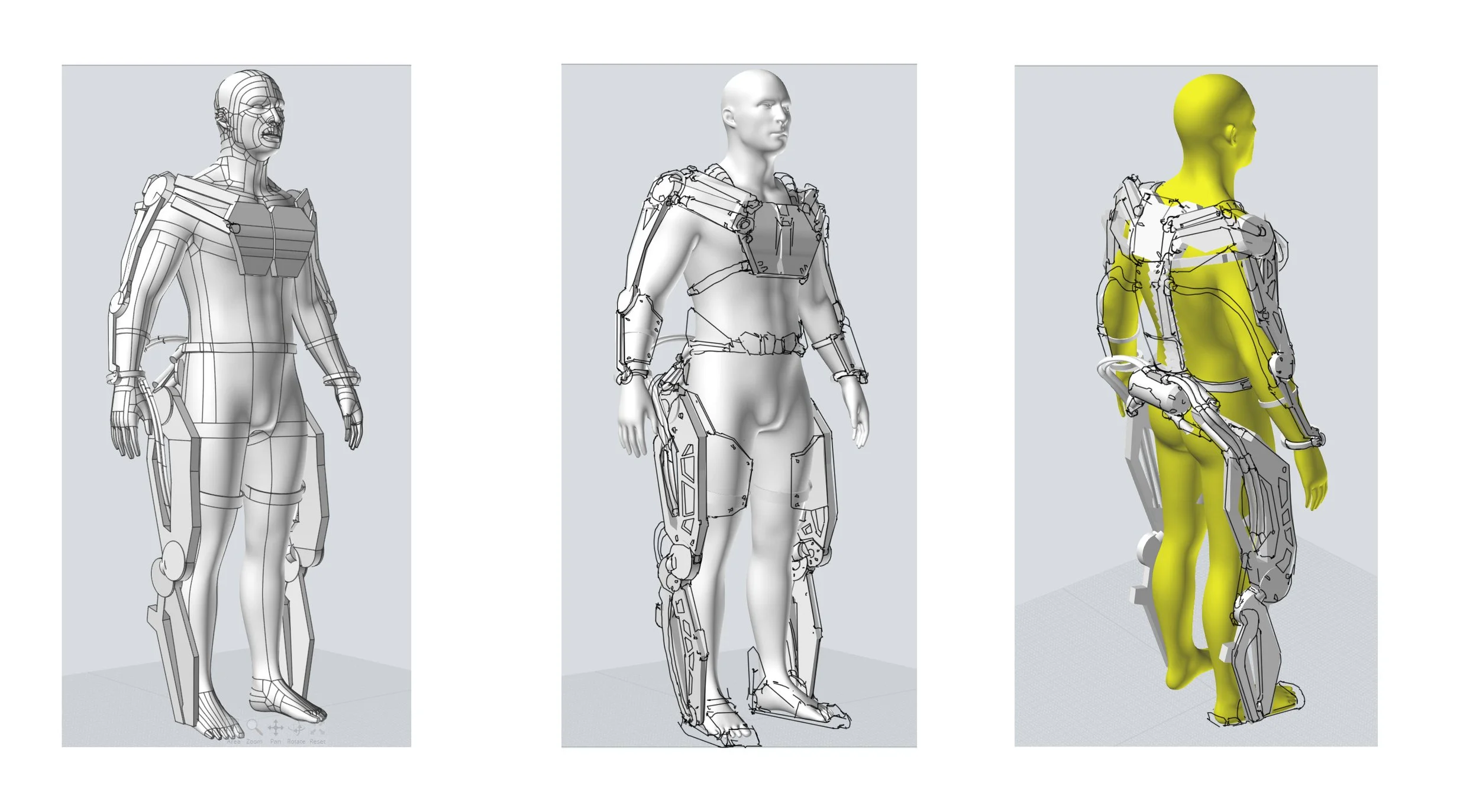
INTRO TO SOFTWARE
Getting used to the tool prior design sketching
-
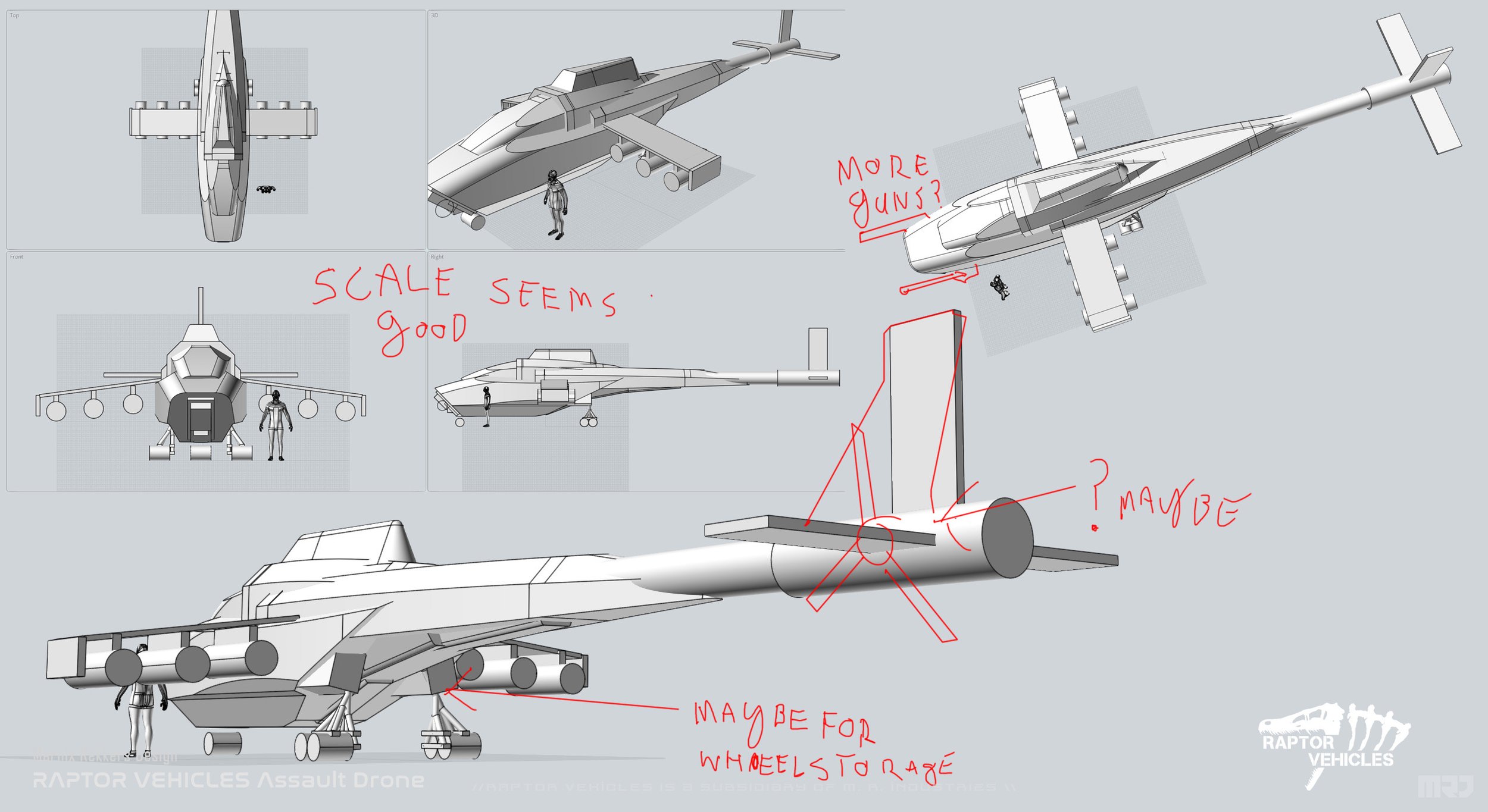
DESIGN PRINCIPLES
Figuring out what will work and what won’t on your early design ideas
-
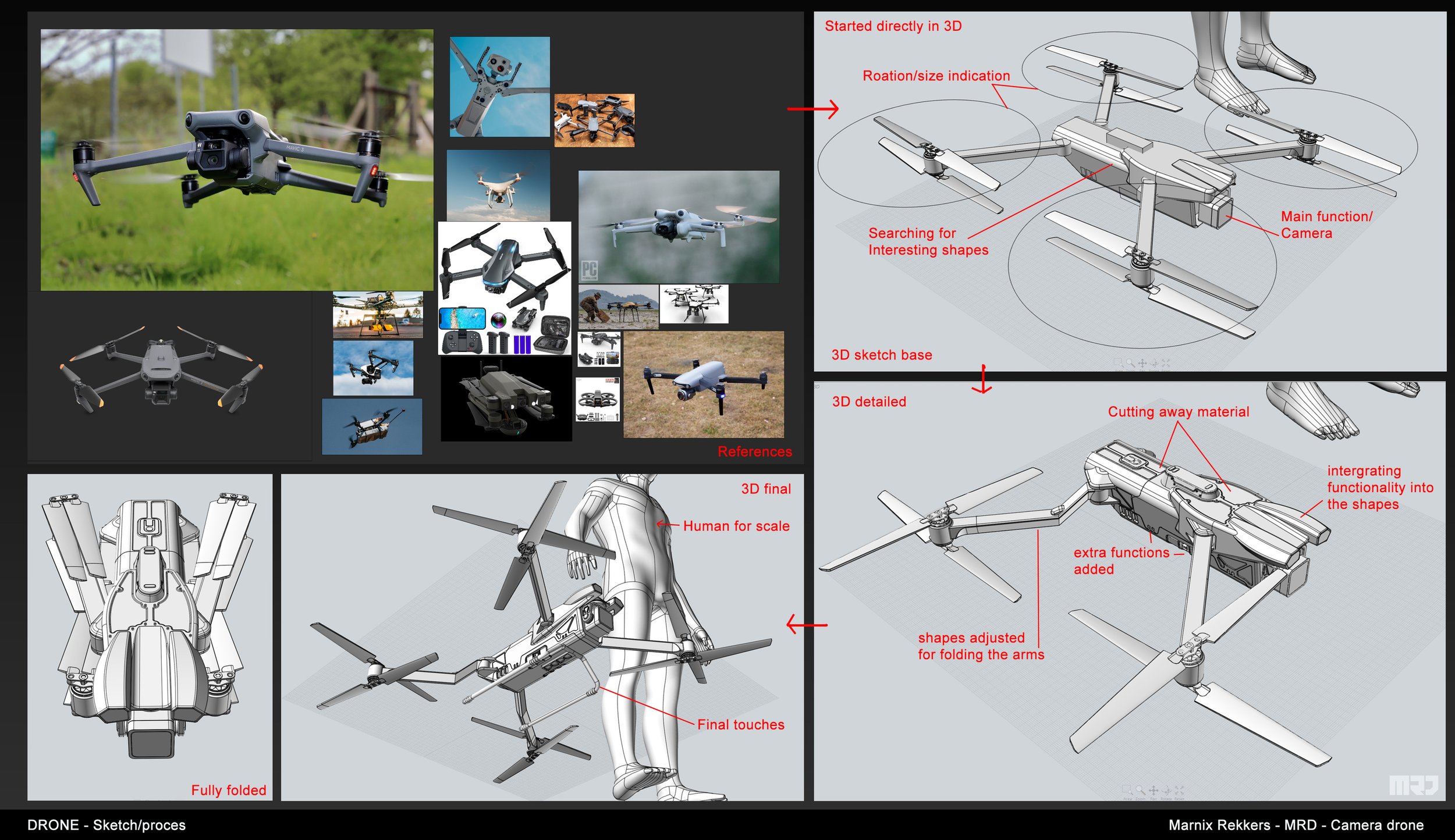
CREATING PROPS
Overview on how to quickly build your assets from the small ones all the way to the big surface objects
-
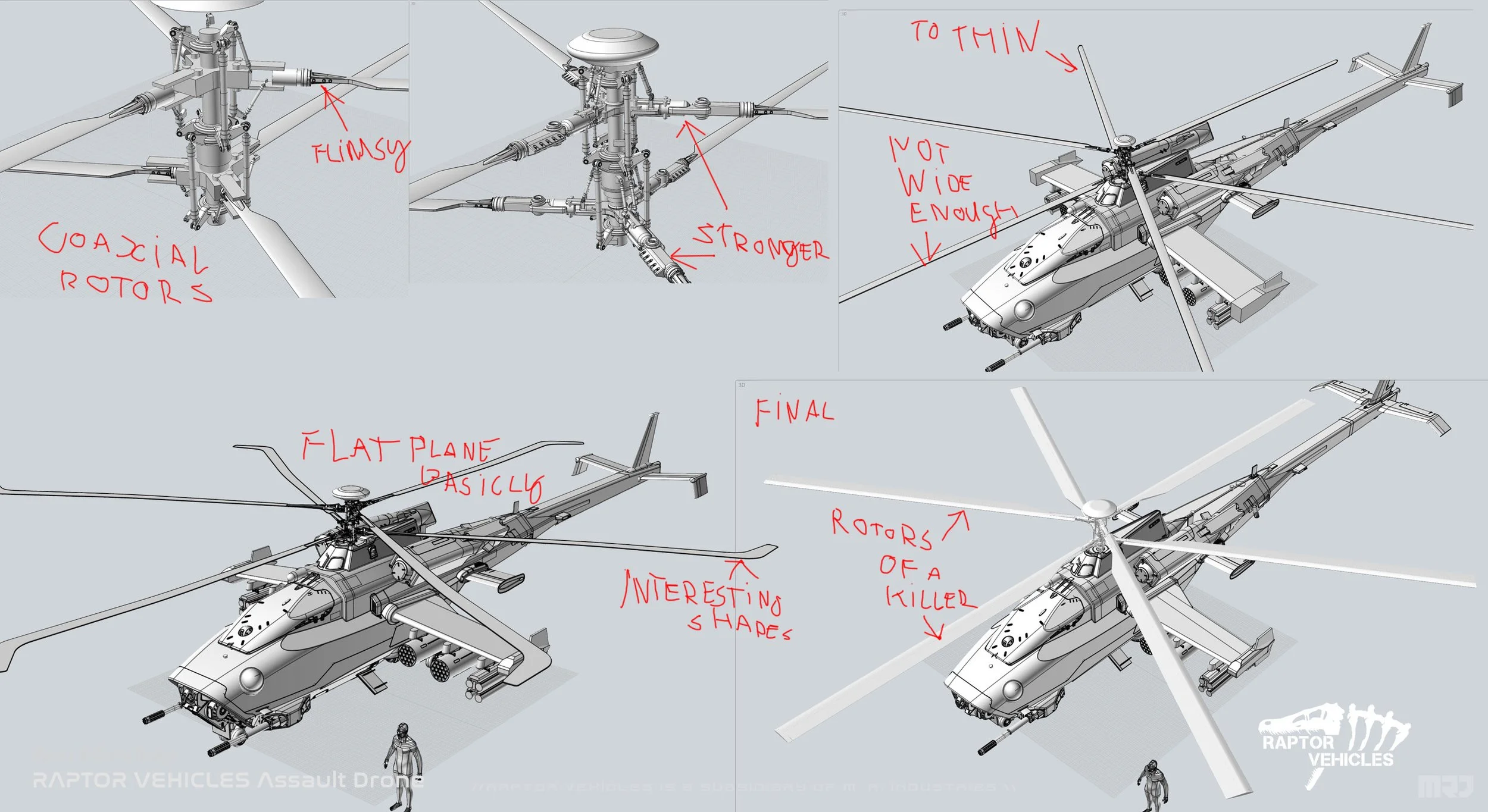
IMPROVING DESIGN
Before heading for the final project we overview, feedback and correct our designs both in 2D and 3D way
-
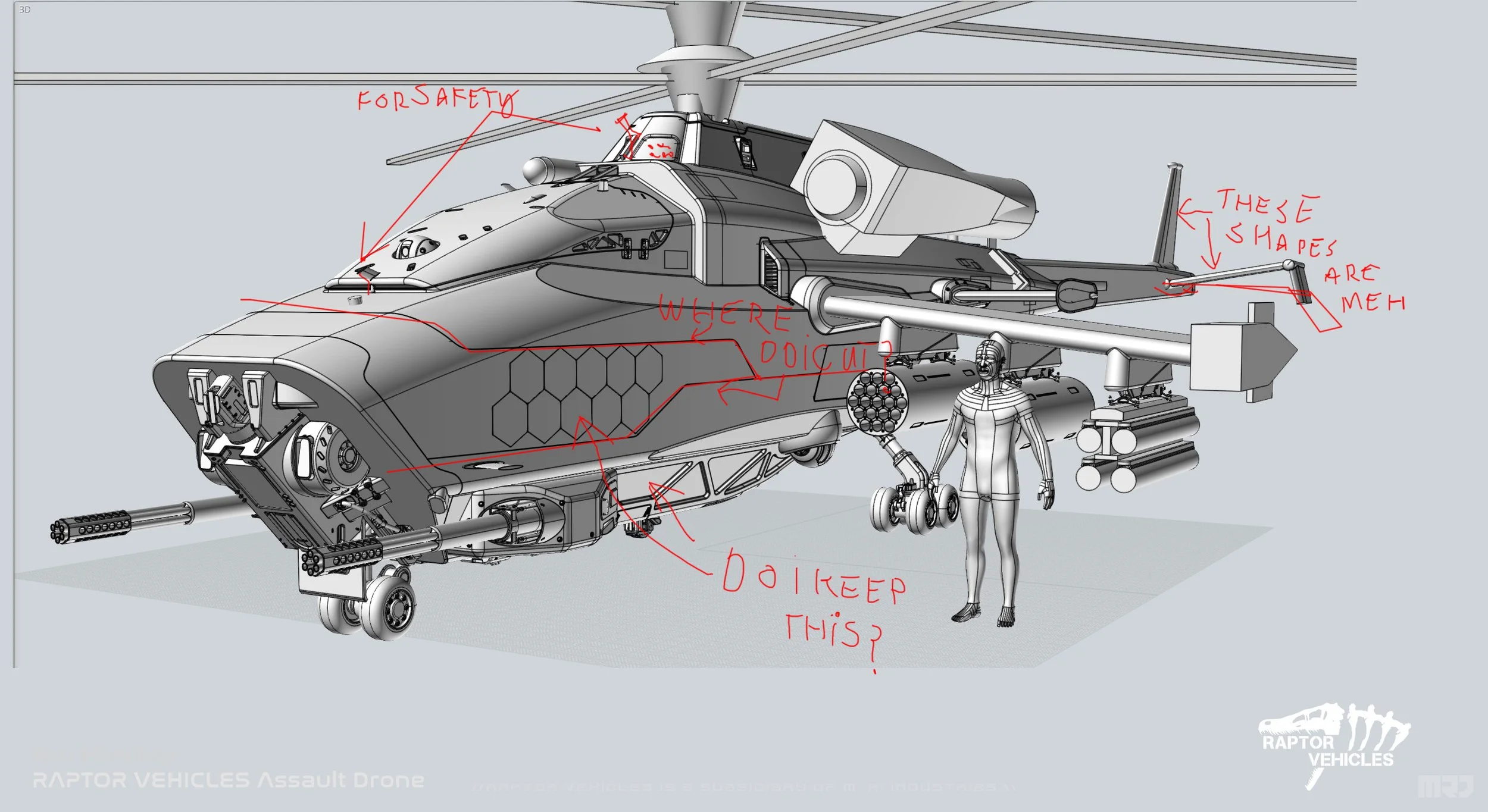
REFINING MODEL
Essential part to keep improving on 3D model before heading for materials and finalizing the look
-
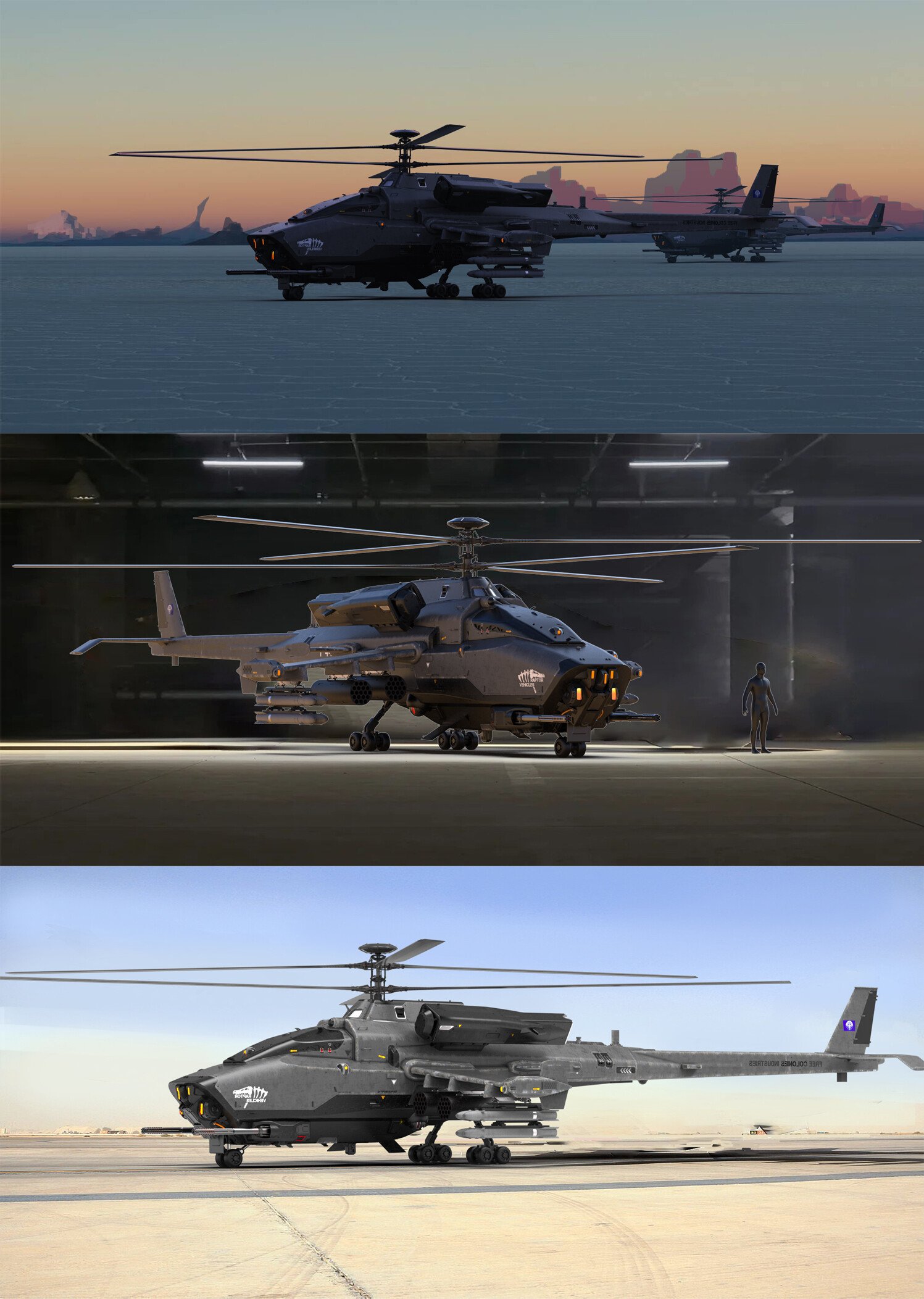
PREPARING RENDER
Refining materials, setting up the final lighting, while correcting camera angles
-
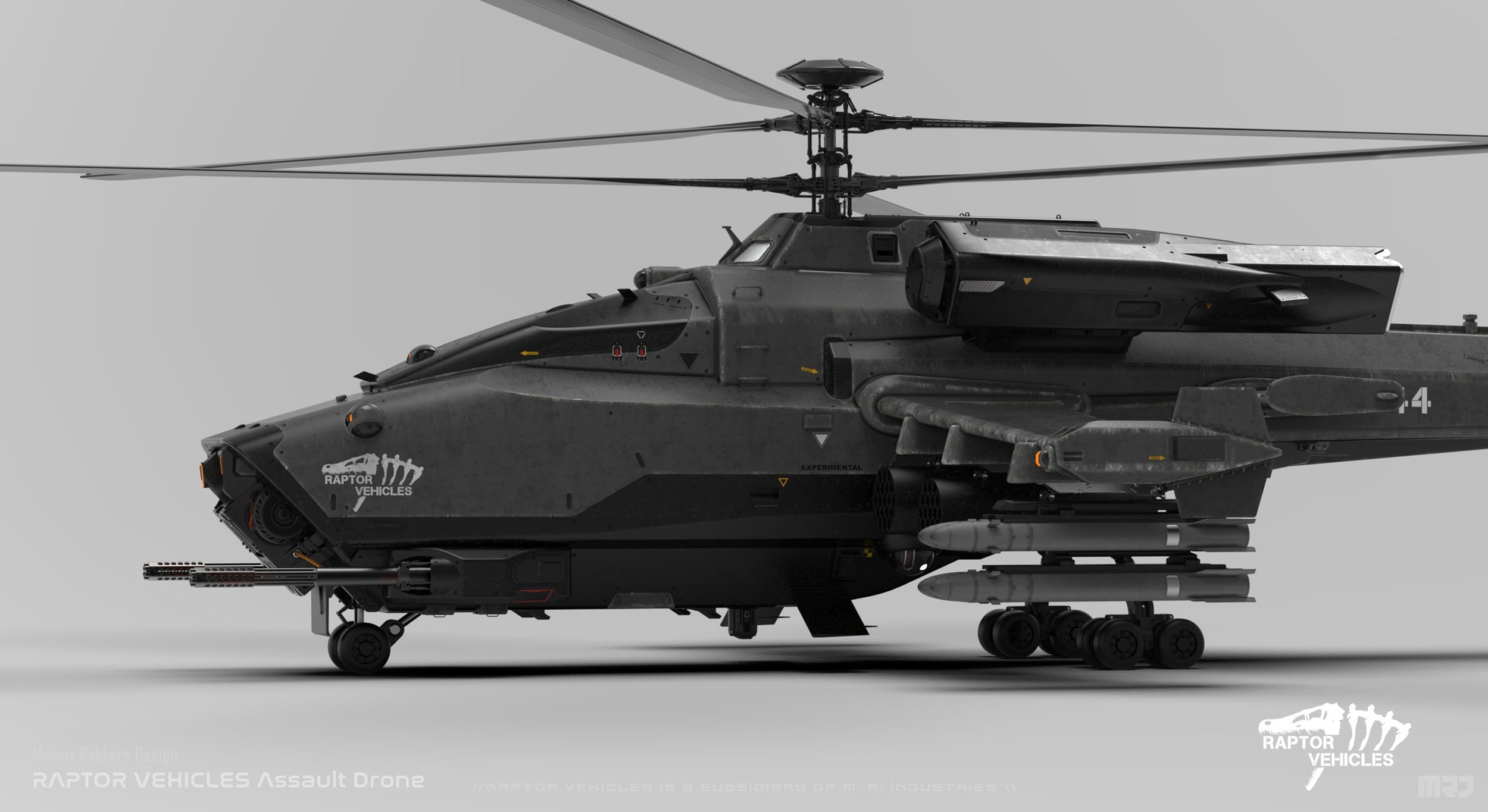
DETAILING MATERIALS
Making sure all materials, textures and tiny elements like decals are set in the right place
-
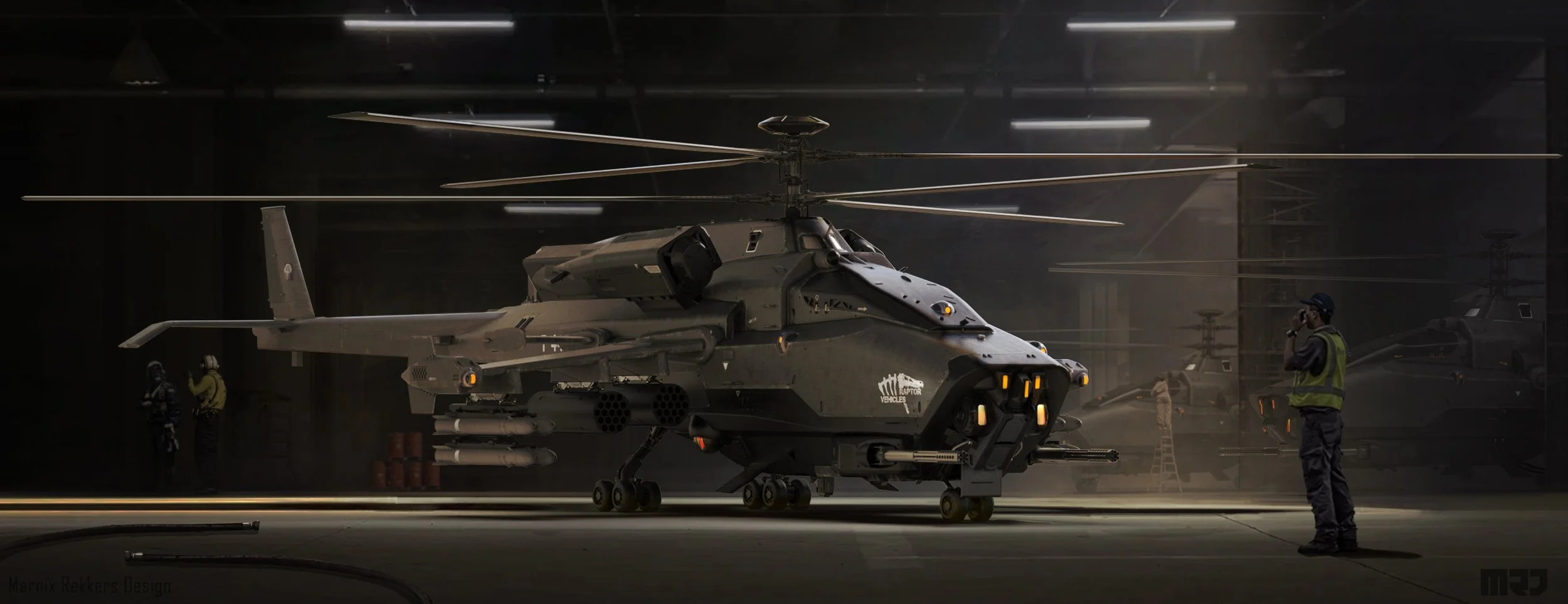
FINAL PRESENTATION!
This is wher you make your designs stand out and shine in its full form!
Detailed Course Structure
-
Week 1
orientation with the software:
going over how it works, how it can be used the basic tools, the basic systems.
Installing certain mods such as custom UI (which is an hugely quality of life update)
writing small keybindings (such as keys to see to help identify open objects). Demonstrating how to play with shapes and how to get results fast. All that to get students warmed up properly.s.
Week 2
design principles, while using CAD software principles of design will be the same like in other softwares but the process is simpler and more straight to the point.
Getting a brier ready, doing some research/ref gathering, developing ideas and start on sketching and exploring ideas.
Week 3
demonstration of how to quckly create props that can be re-used in your work, also starting with blocking out initial design ideas, getting all the "Nescessary ideas" into 3D, Ideiation and "3D sketching using CAD", with demonstration on how to use props onto the design.
Creating a good workflow process usign the software.
Week 4
this is where we focus on the design proces, solving problems either in the design or 3D, feedback on the homework.
helping out where help is needed.
Week 5
this week is more about refinement, model cleanup, solve modelling issues, help out with design and details. feedback on the homework.
Go into unqie detail creation.
week 6:
This week is about finalizing details, model cleanup, making sure everything the designs are clean organised, final bits of feedback on homework.
Making sure the designs are final.
Week 6
We go over exporting the design to other software, making sure all details are organized, the models are done.
go over rendering techniques and approaches, in this case mostly keyshot however i will touch on blender as well. showing how you can develop good rendering and adjust materials in keyshot.
making the renders. once the renders are done we go back to photoshop for the final cleanup and presentation of the designs. and making a final piece propperlyWeek 7
final touches to all the gathered project files
Week 8
getting your results out to public nad preparing portfolio post! -
- The unique opportunity to learn from the mistakes of your veteran instructor which took years to realize. Students get a serious head-start because of this.
- Art Guidance and unique opportunity to witness live demos in making by industry professional Marnix Rekkers
- Mastering designing hard surface models
- Development of several high industry standard portfolio pieces.
- Understanding the design principles on meticulous vehicle level
- High level designs of your custom made vehicles
- Creating "believable" scifi props.
- Advanced 2D/3D techniques.
- Working on high-level concepts.
- Design the task that will get your prepared to work as a professional concept artist -
Dedication and passion for concept design and illustration.
Equipment – laptop or tablet and Photoshop or some other 2D graphics program (and knowledge of how to use it), 3D software knowledge, understanding basics of CAD software
Motivation and discipline to fulfill homework.
Ability to speak and understand classes in English.
Student gallery