

Stylized Animation in Blender
| Time: | Enrollment OPEN (TIER 1), Thursday 10:00 am-1:00 pm CET (TIER 2) |
| Class date: | Lifetime Access (TIER 1) , TBA (TIER 2) |
| Class length: | 15 hrs Video Tutorial (TIER 1) or 10 Weeks Mentorships (TIER 2) |
| Instructor: | Jimmy Duda |
| Location: | ONLINE |
| Course type: | 15 HOURS VIDEO TUTORIAL (TIER 1) / 10 WEEKS MENTORSHIPS (TIER 2) |
Course description
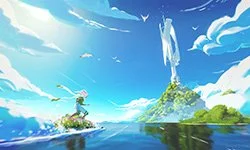
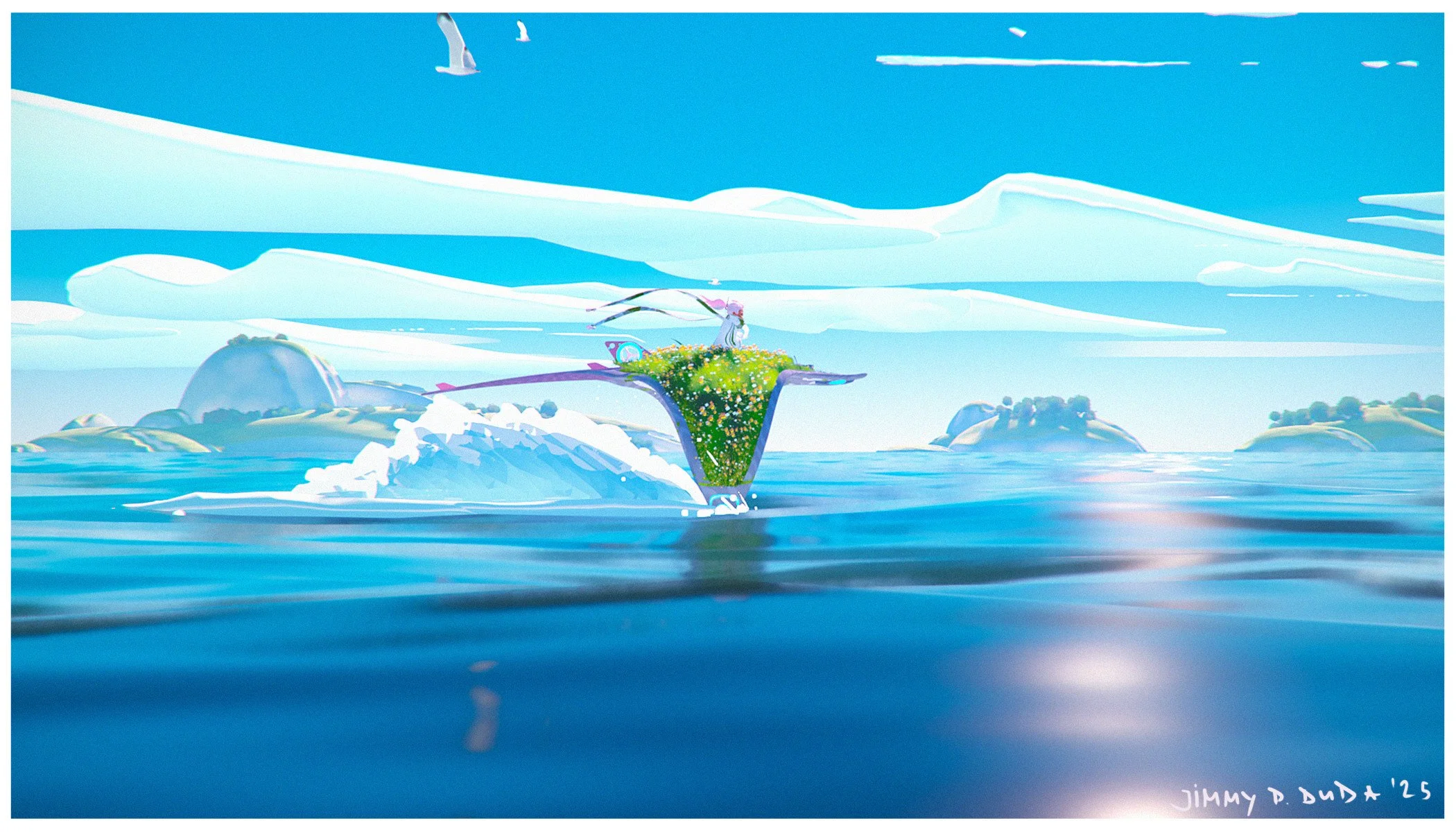
Learn how Senior Concept Artist Jimmy Duda is creating his anime jrpg-inspired solarpunk short and world by using every trick in the book from his 16 years experience as a professional artist. You will learn in depth Blender techniques that let you create stunning animated shorts in relatively quick time! It’s a must course for everyone who is hyped about that stylized look in 3D field.
This class comes in 2 TIERS.
TIER 1 (BASIC): Pre-recorded 15 hours Narrative Video Tutorial broken down into 12 chapters where Jimmy presents his whole process of creating a scene based on the specially crafted assignment. Learn at your own pace and on your own terms. Go systematically from chapter to chapter enveloping the whole project or pick chapters based on what you want to learn at a given moment.
Go for this option in order to work and learn on your own, any time, any place!
TIER 2 (PREMIUM*):In addition to the 15 hours Narrative Video Tutorial you will be provided with aforementioned assignment and weekly live feedback sessions with your instructor. This tier is meant to maximize your skill gain and sets you up for a proper class format where once a week for a duration of 10 weeks you will get individual feedback from your instructor.
(Live classes take place on dedicated platform for Focal Point School live classes).
As long as the participants provide weekly work while going through the pre-recorded material, custom feedback sessions will be provided in order to direct, correct, and tackle all the challenges one might encounter. Efficiency through interaction with your instructor guarantees you solve your own personal challenges while being properly guided in order to absorb the knowledge from the whole class as intended and to create a portfolio ready animation.
*TIER 2includes all the materials from TIER 1
Go for this option in order to maximize your skill gain through an interaction with your instructor!
Teacher

Jimmy Duda (Born 1983 in Cracow, Poland) is a Germany-based, award-winning designer and digital artist.
A true renaissance man, Jimmy has worked as a professional concept and visual development artist, storyboard artist, 3d generalist, and director on a multitude of media, ranging from film to trading card games, video games, streaming services, advertising, architectural visualization, and more.
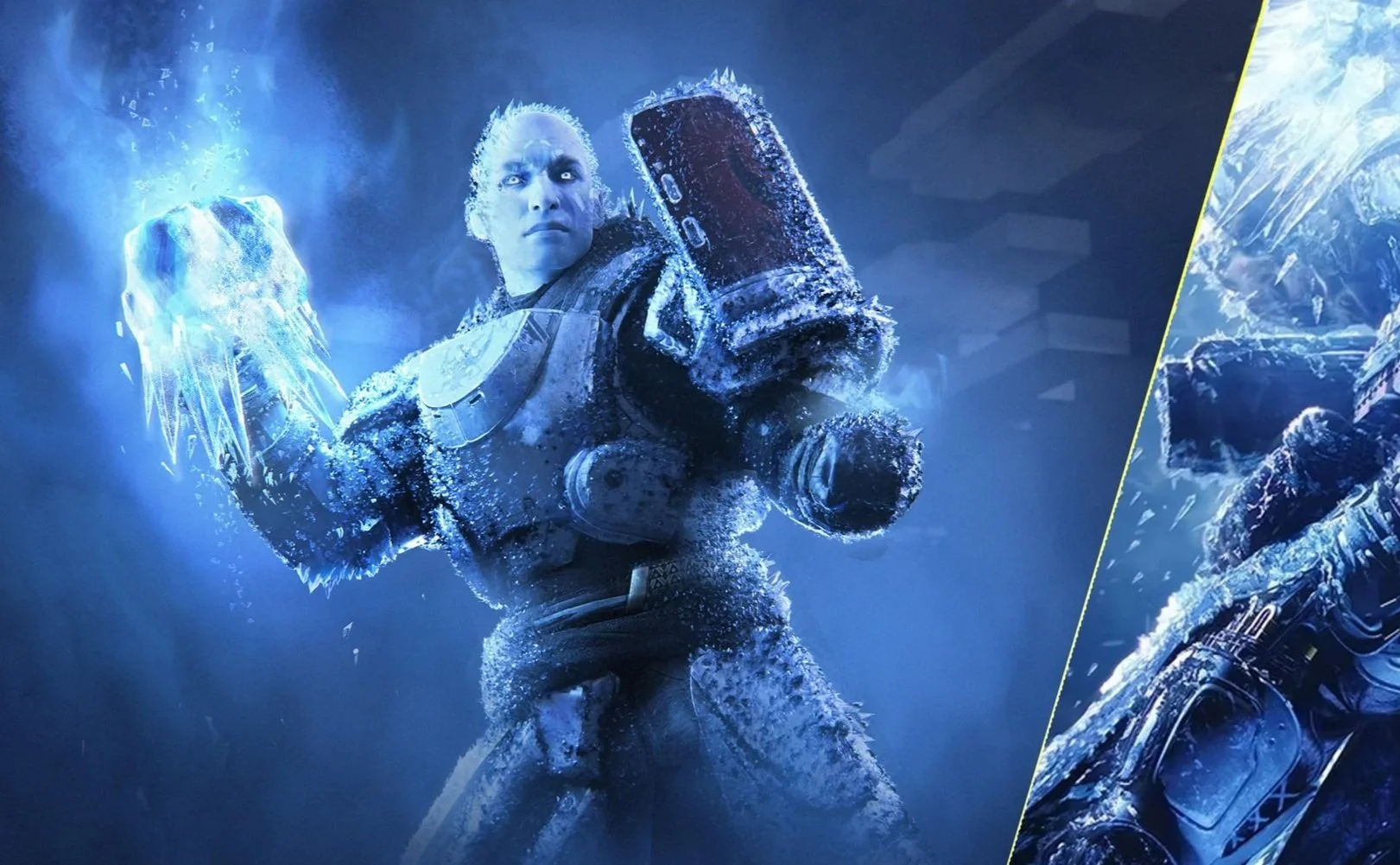
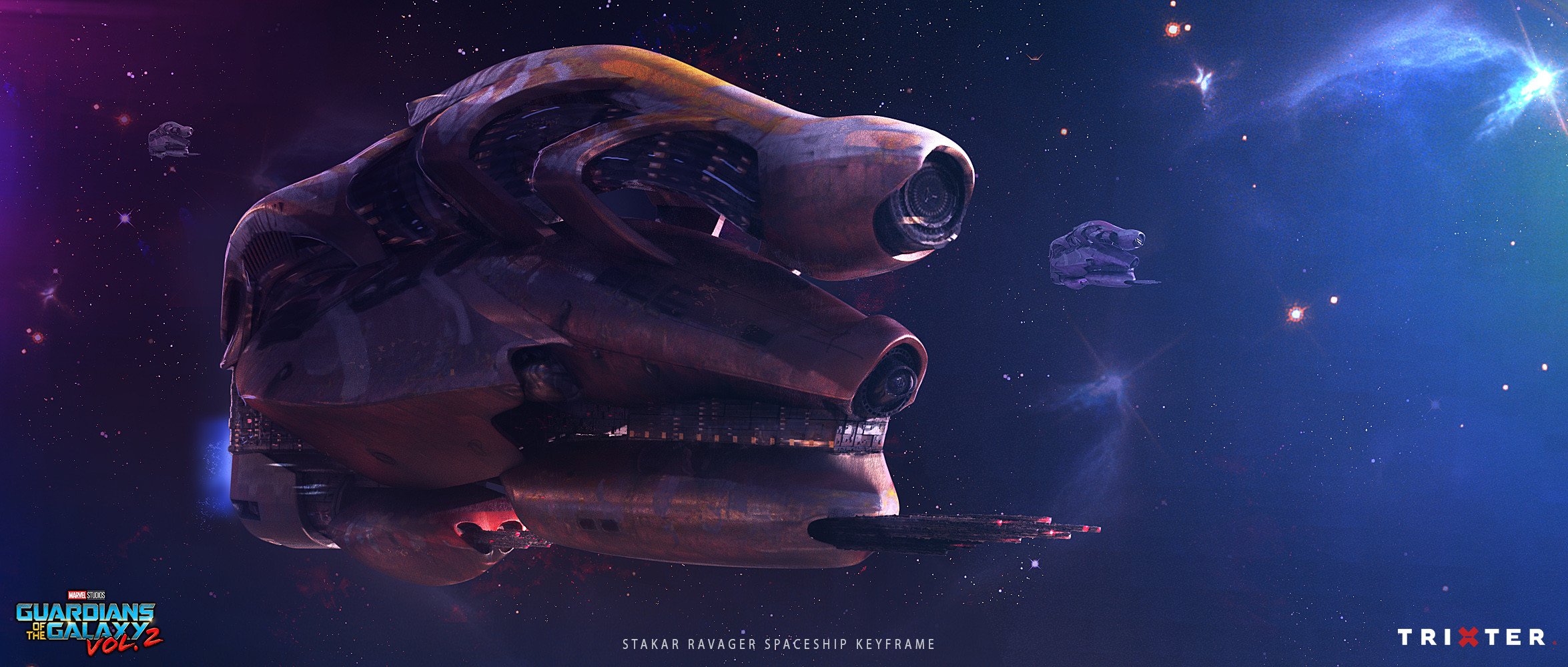
Projects he worked on include Disney Lorcana,Destiny 2, the Academy Award-winning Black Panther, Academy Award-nominated Shang-Chi and the Legend of the Ten Rings, Academy Award-nominated Guardians of the Galaxy 2, Sonic 3, Spider-Man: Homecoming, Black Widow, the German Film Award-winning The Kangaroo Chronicles, Jim Knopf und Lukas der Lokomotivführer, and many more.
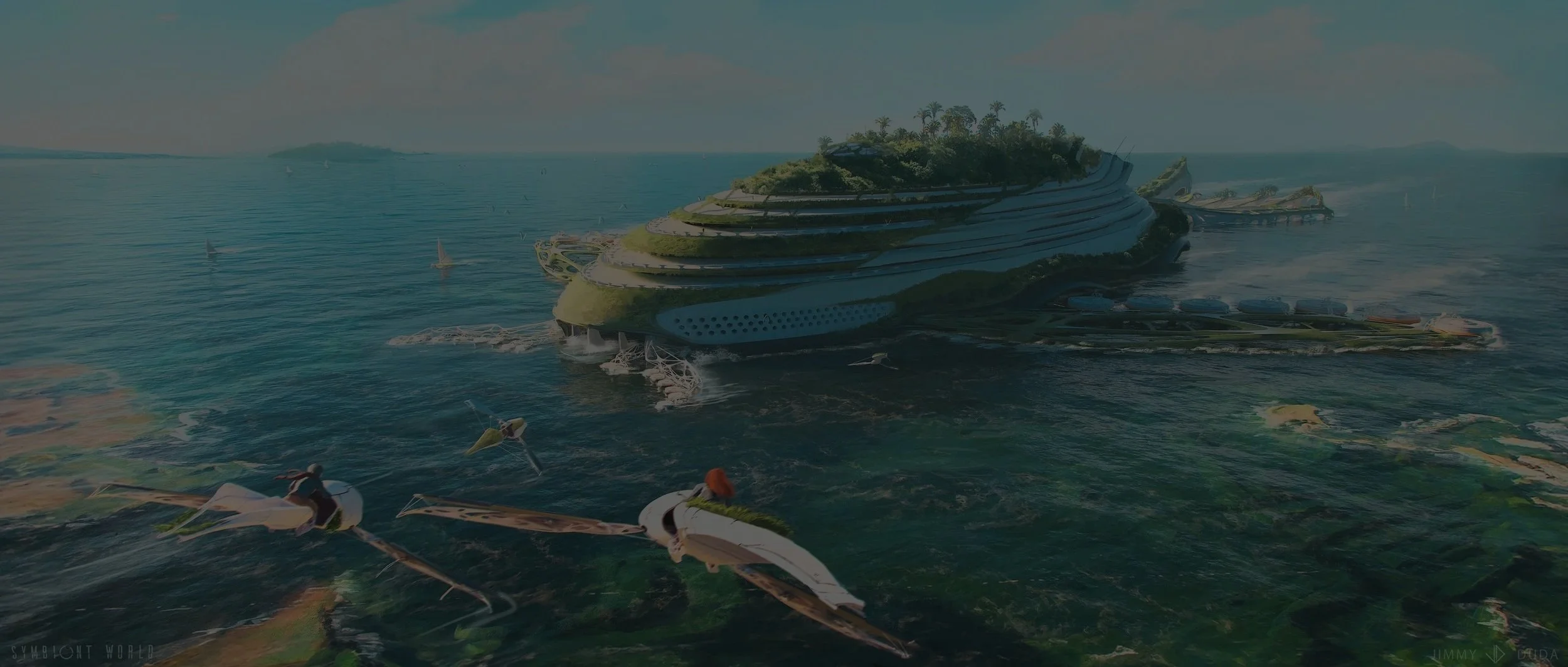
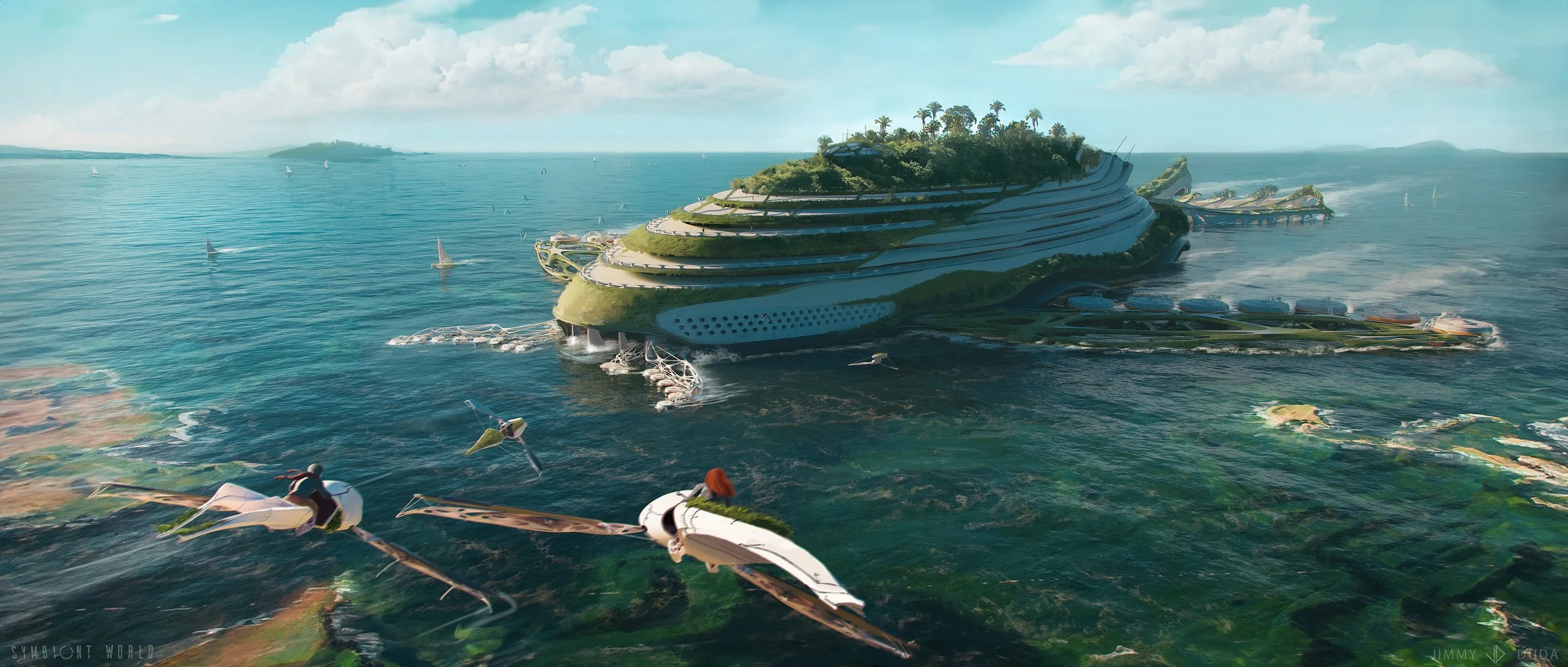
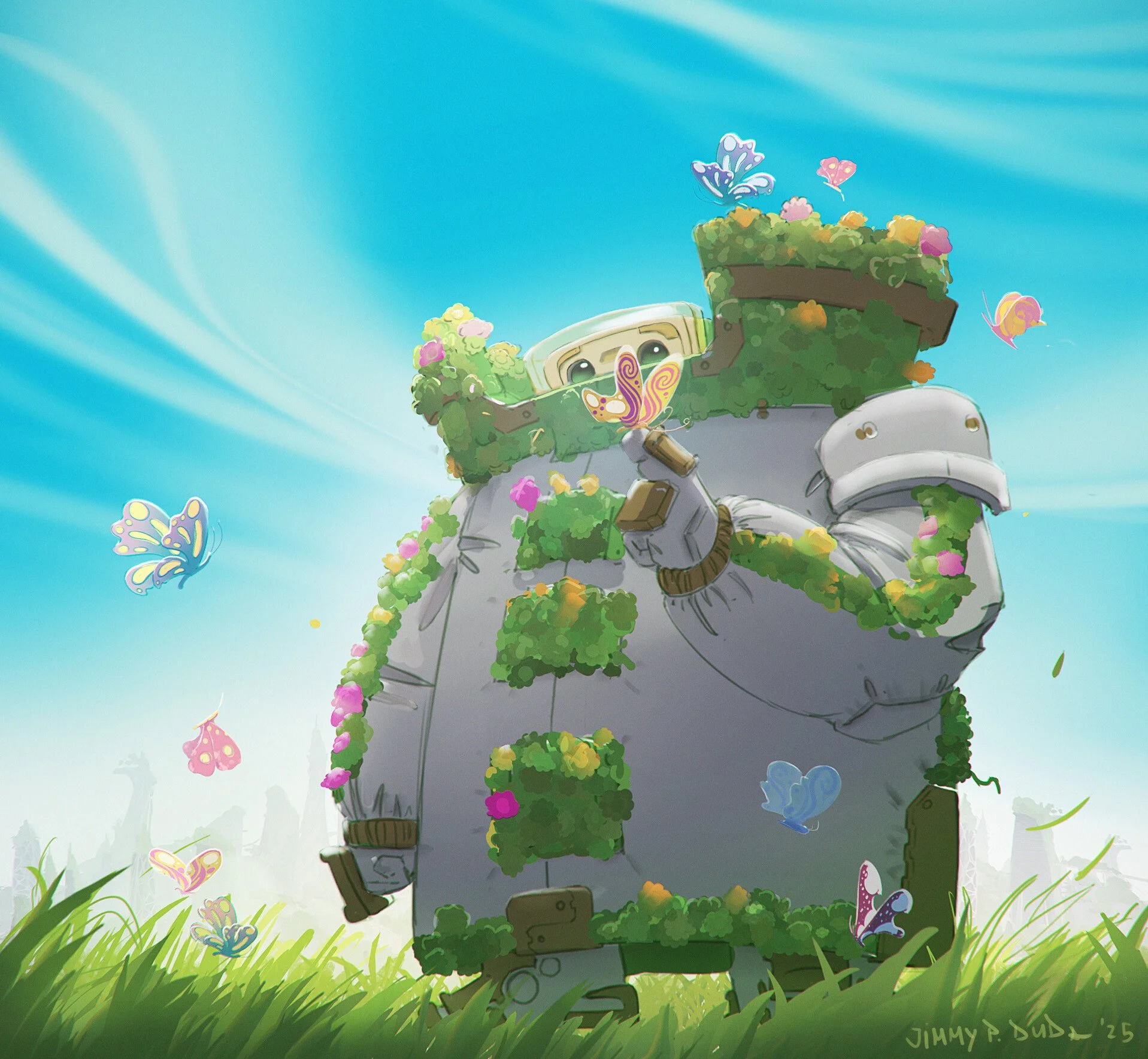
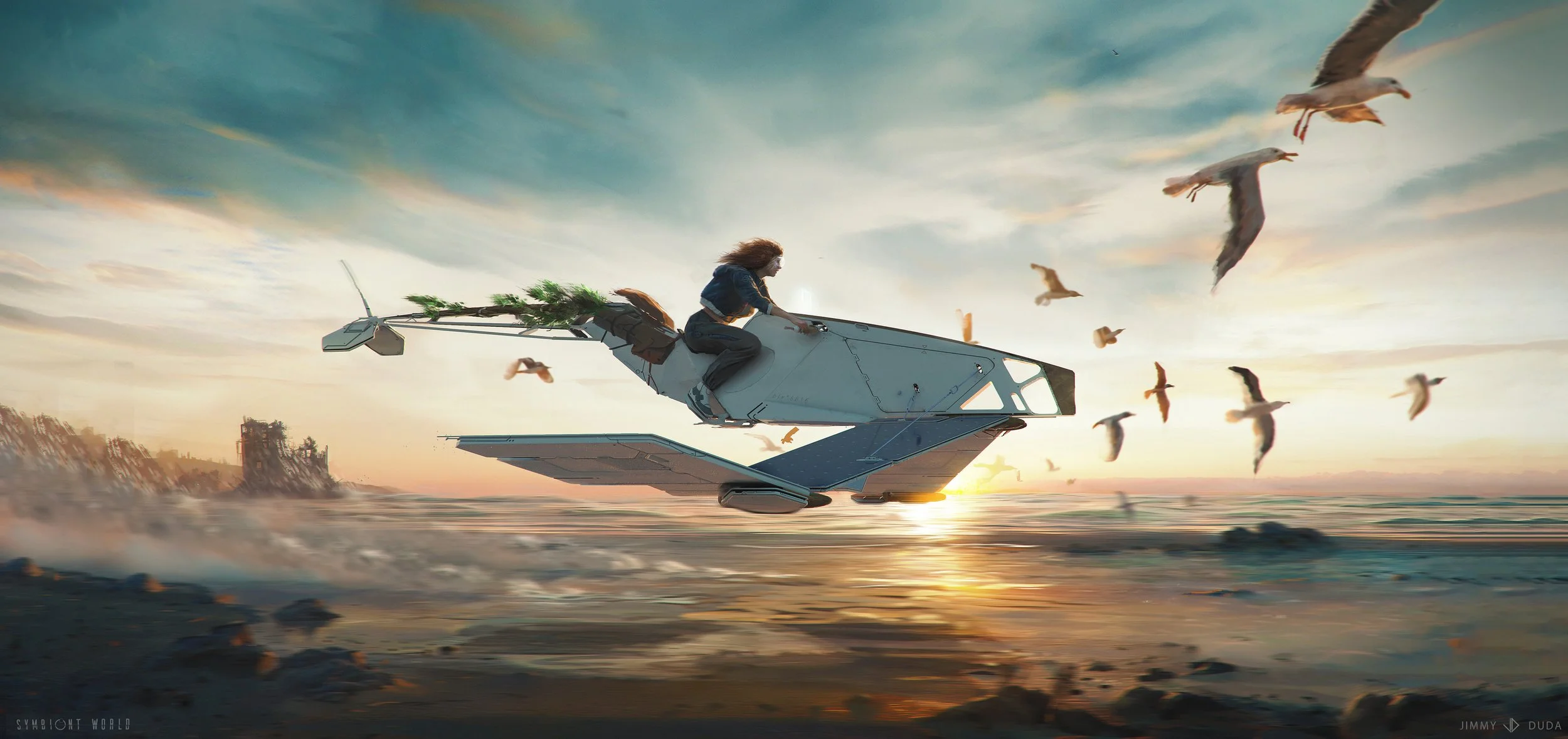
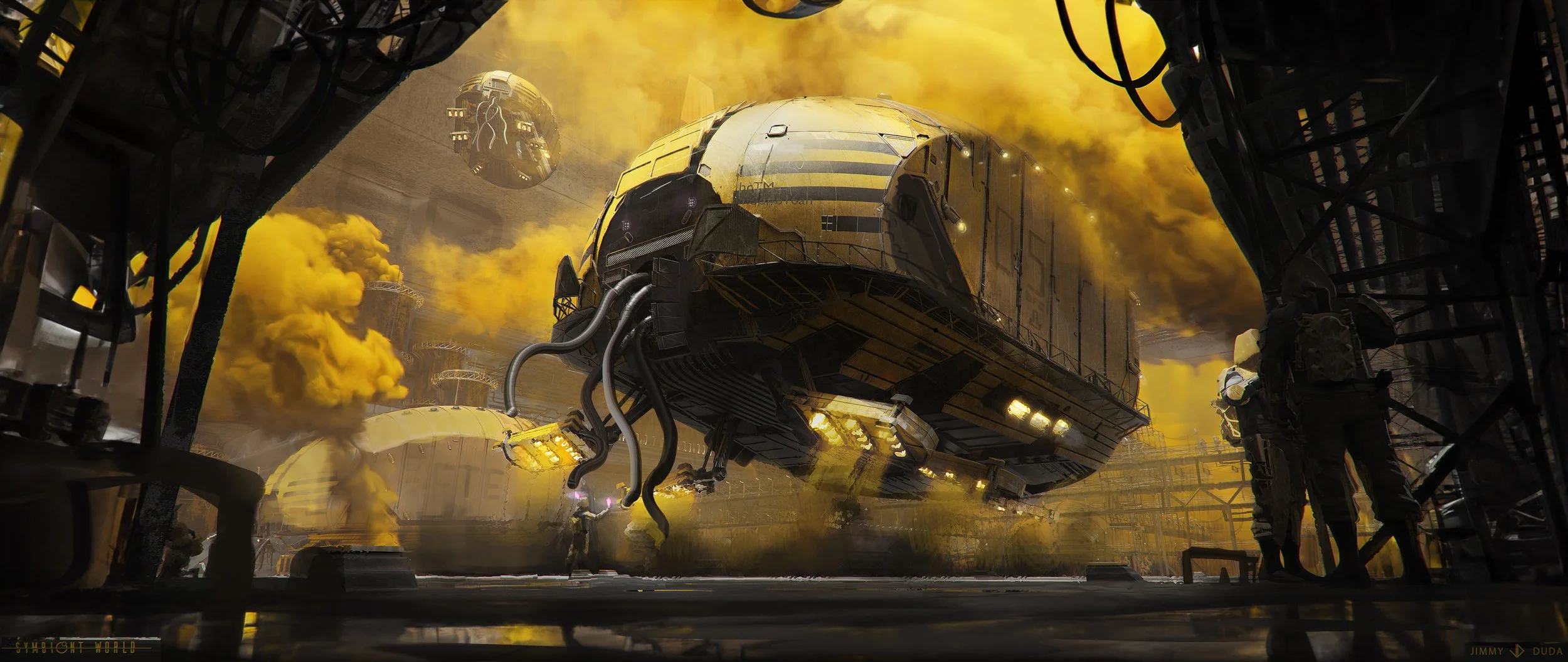
Besides his commercial work, Jimmy is the creator of the ongoing, internationally exhibited solarpunk series and short film “SYMBIONT WORLD”, and the upcoming illustrated children's book "Maummel".

Course Structure:
-
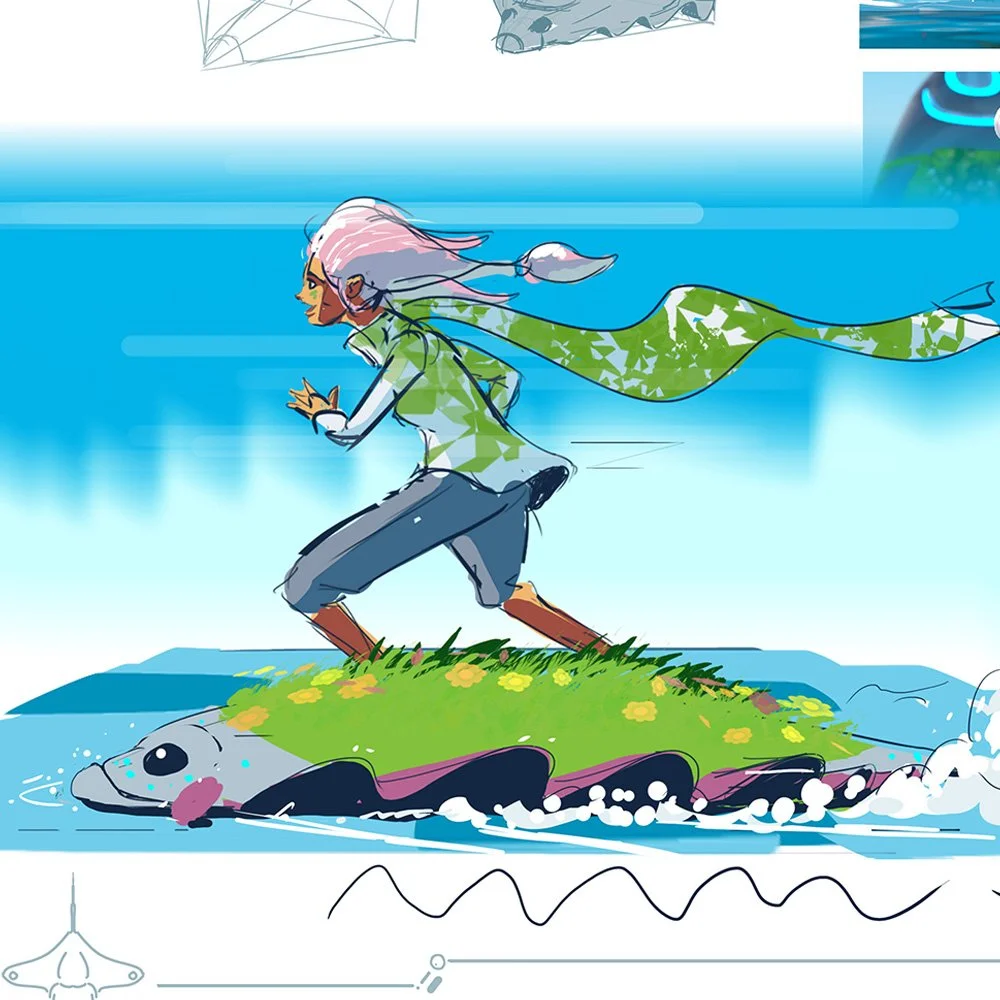
CHAPTER 1: INTRODUCTION
-Meet your instructor
-What is Symbiont World?
-Course Overview and Assignment briefing
-Why sketching is essential? -
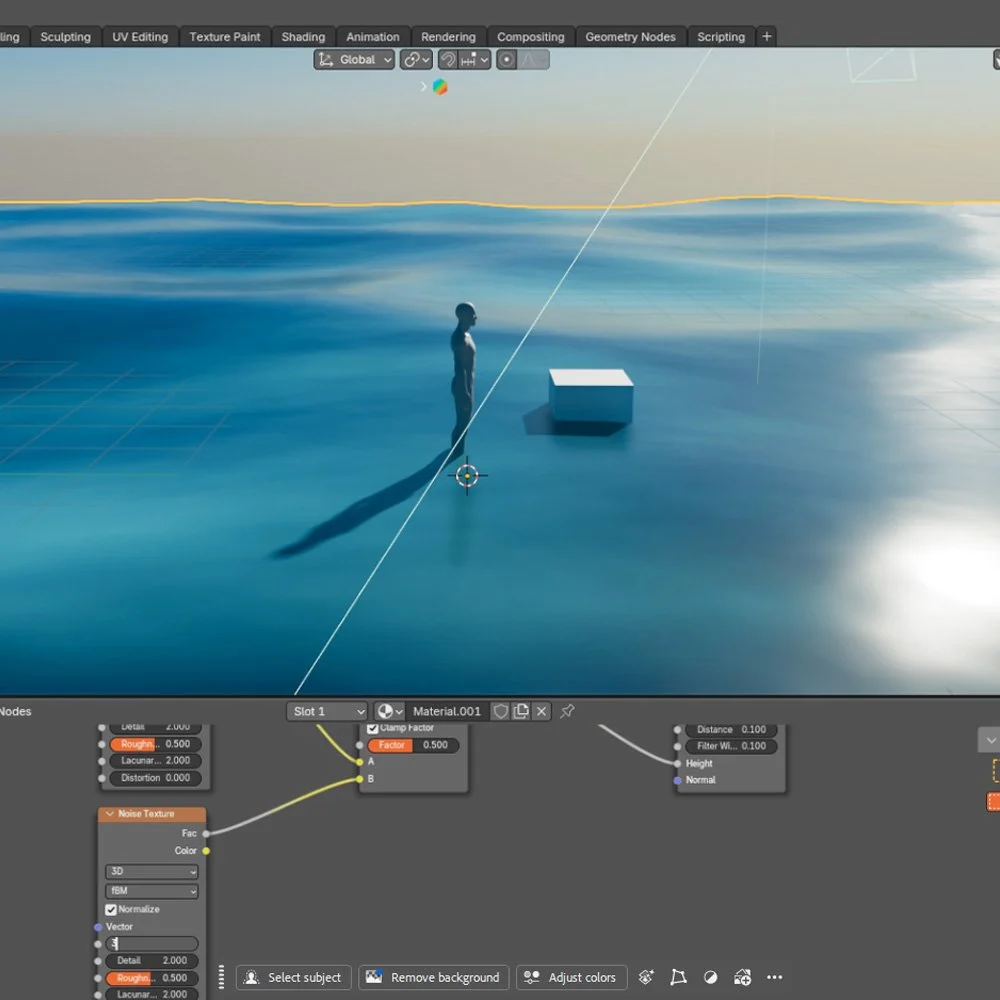
CHAPTER 2: BASE SCENE SET UP
-Gearing up your 3D tool set (softwares overview)
-Creating a base for your landscape (Sky, sun, water, all directly in 3D)
-Blocking out the world
-Exploring camera angles -
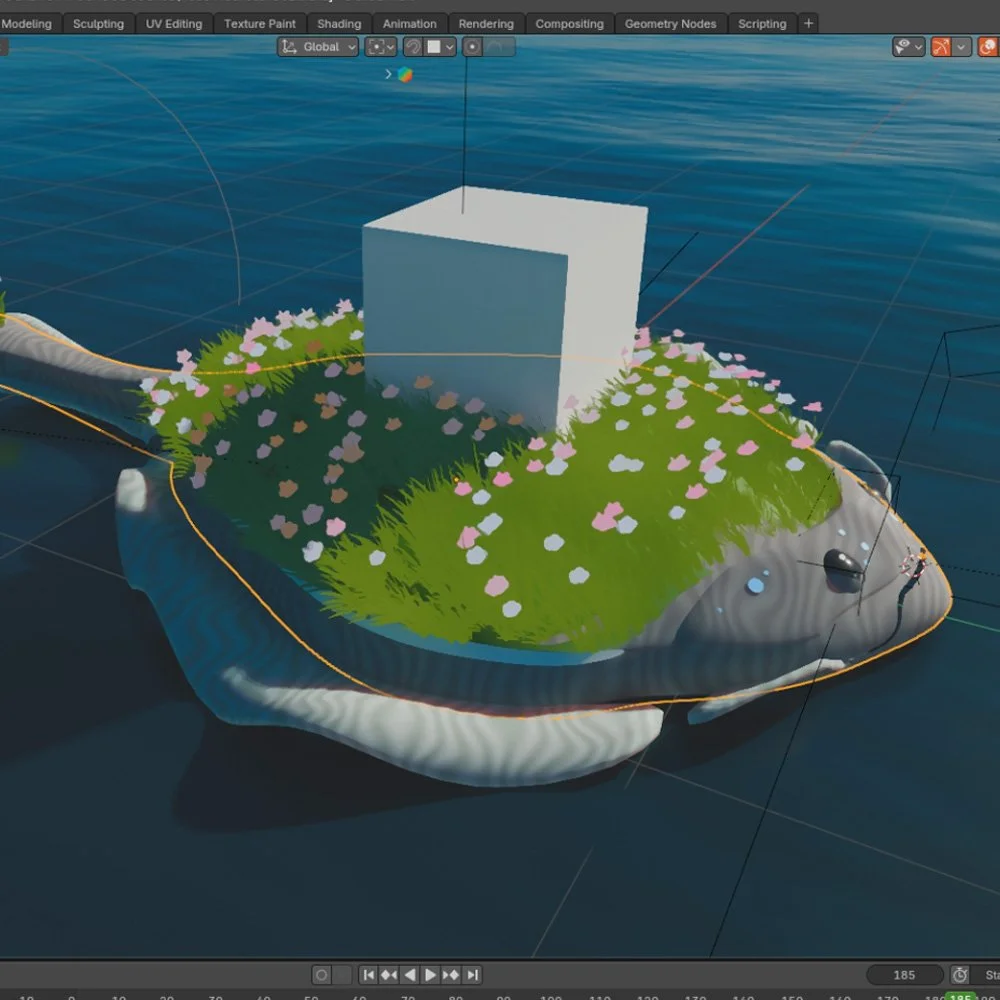
CHAPTER 3: YOUR NEW BUDDY
-Overview of modelling techniques
-Understanding the difference between Hard Surface and Organic modelling
-Testing different shapes of our buddy
-Animating world elements around the character -
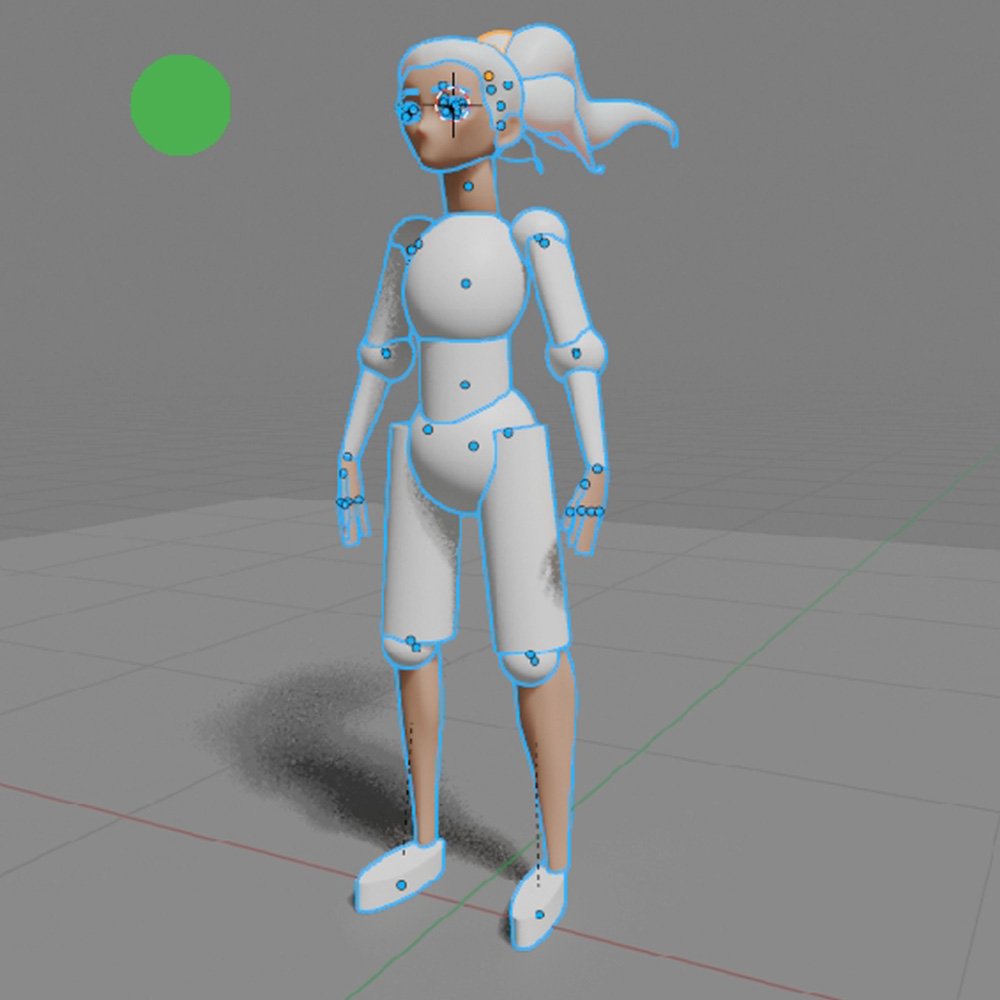
CHAPTER 4: MODELLING SURFER GIRL
-Intro to Character Modelling
-Animating your hero directly in the final pose
-Animating ponytail hair
-Animating clothes (scarf)
-Shading and texturing -
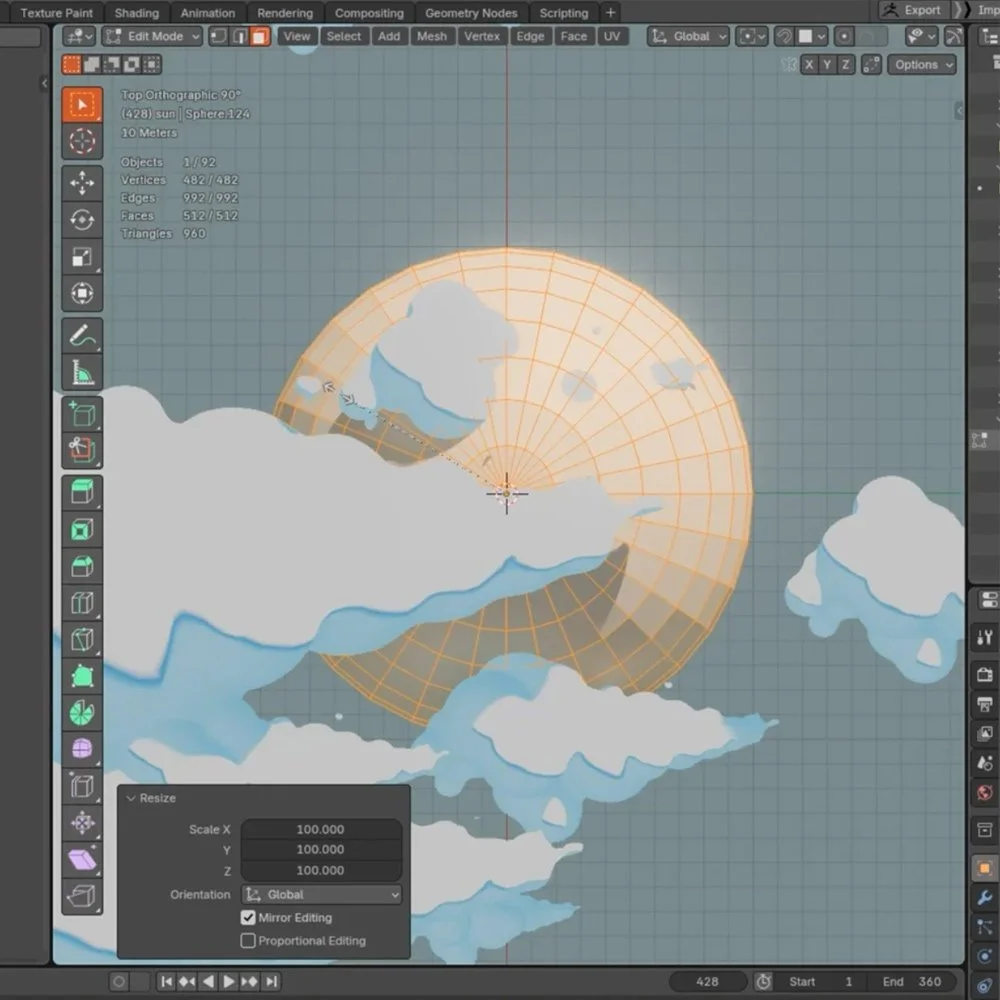
CHAPTER 5: CREATINT ENVIRONMENT
-creating the Islands (modeling, procedural shading)
-creating the clouds (modeling, scattering, shading)
-creating the trees (modeling, scattering, shading) -
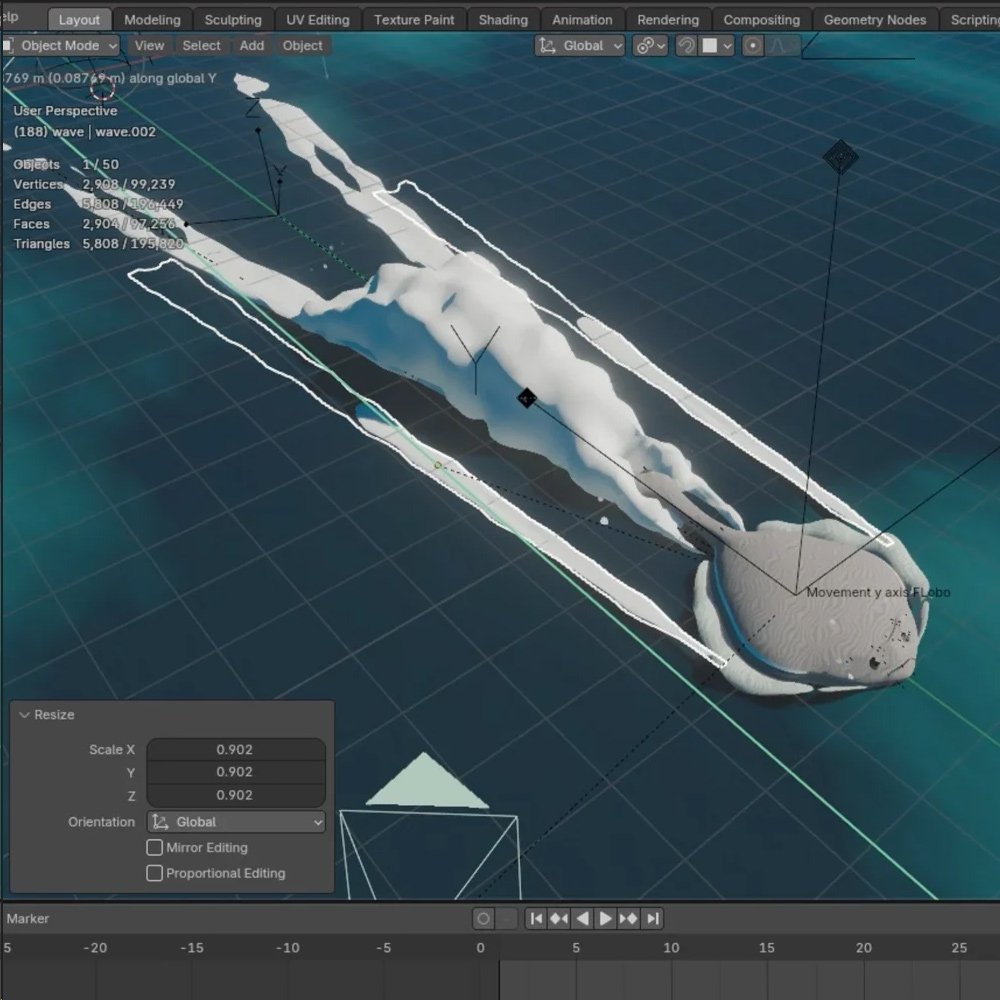
CHAPTER 6: "WET WORK" WATER!
-Animating water
-Animating splashes VFX
-Particles VFX -
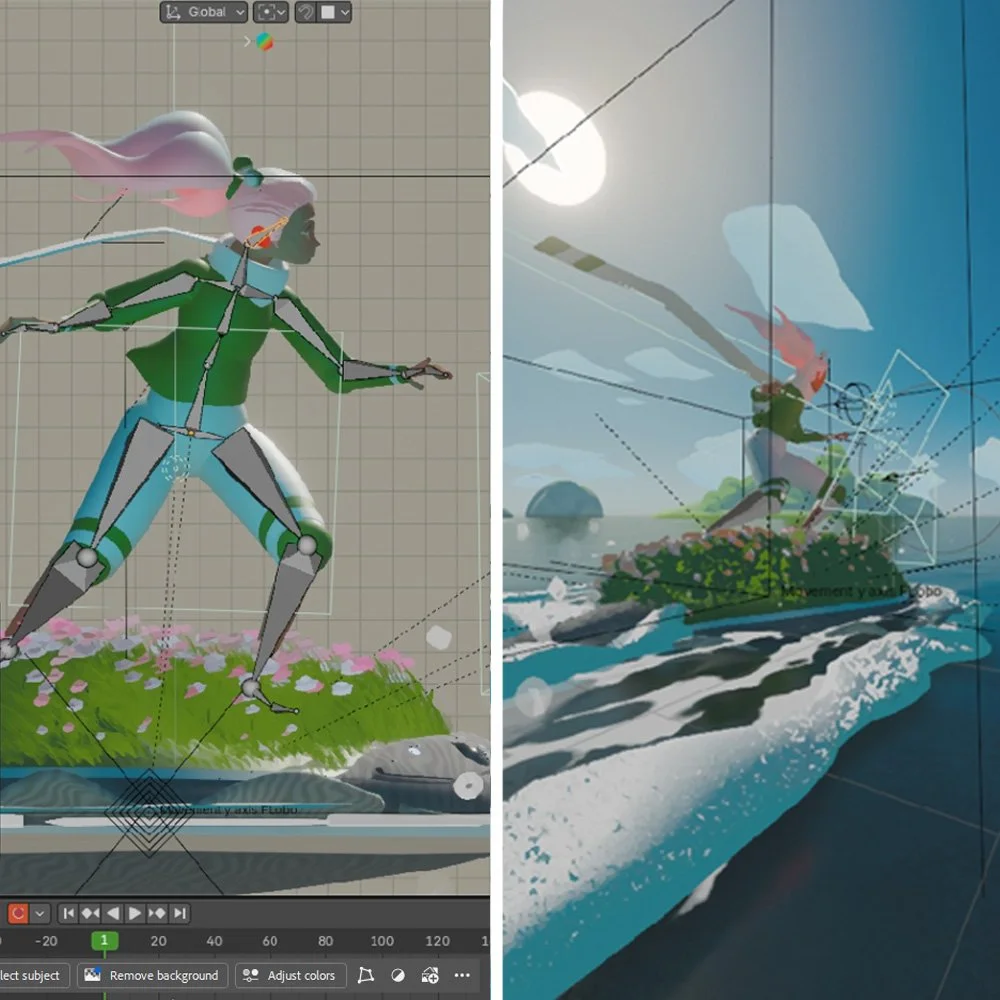
CHAPTER 7: LOOK IT MOVES!
-Simple scene rigging (Character, wind, physics)
-Animating Flobo
-Creating fog and setting up alternative camera angles -
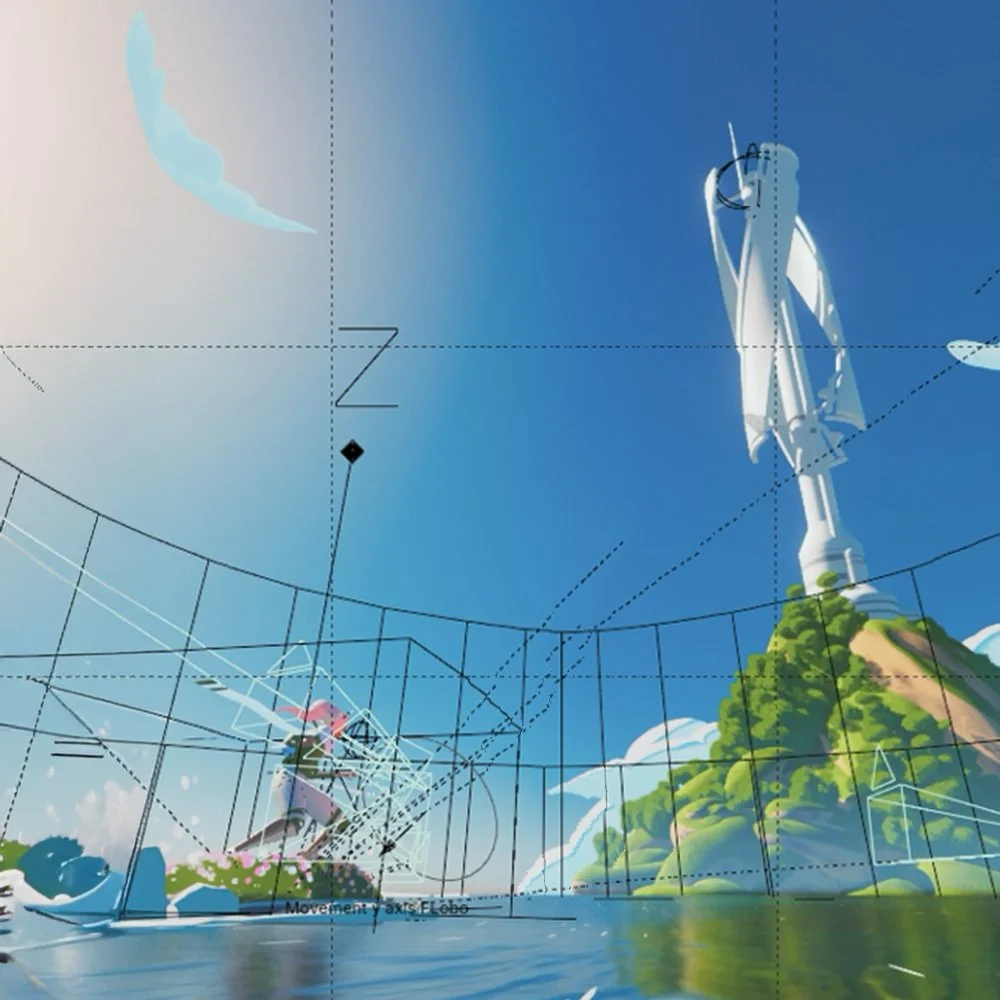
CHAPTER 8: THE MAGIC OF ANIMATION
-Putting the whole scene together
-Modelling windmill and extra Assets
-Overpainting and painting additional VFX effects -
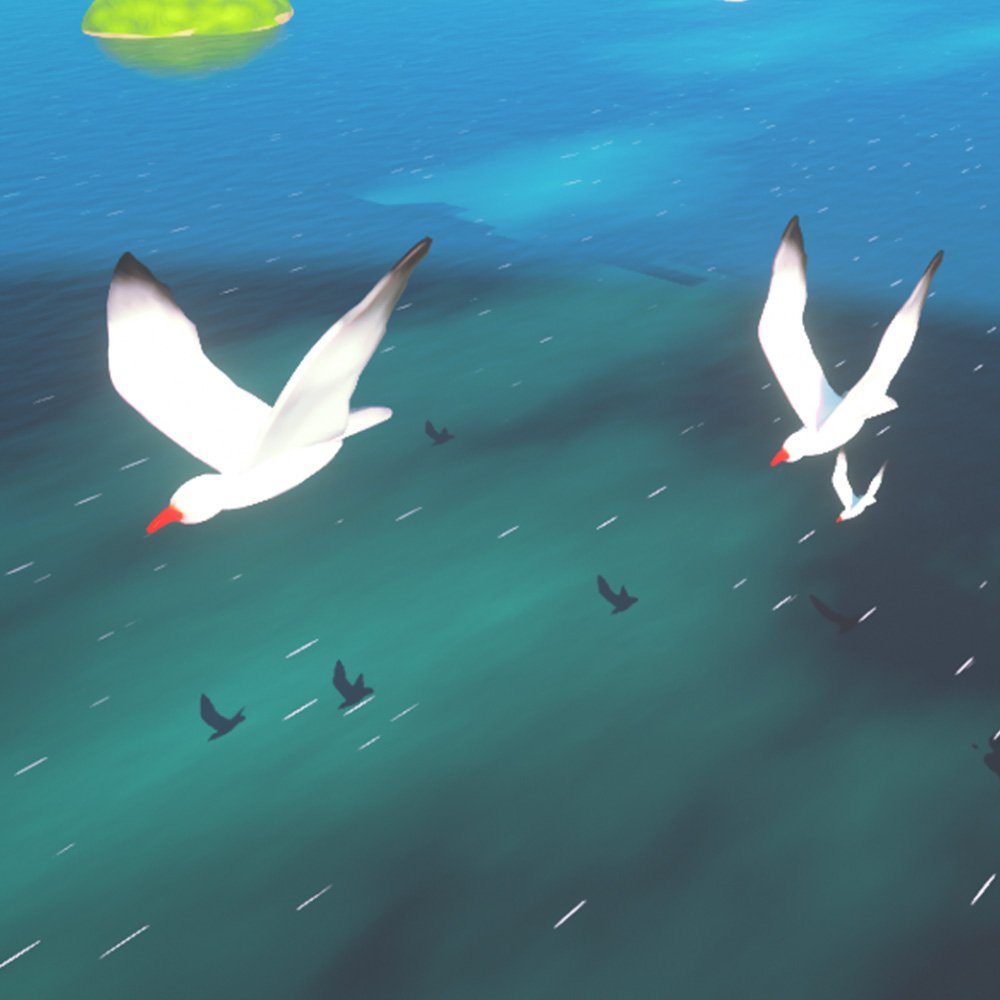
CHAPTER 9: SEAGULLS FTW!
-Modelling and animating Seagulls
-Matte Painting techniques overview
-Final Tweaks -
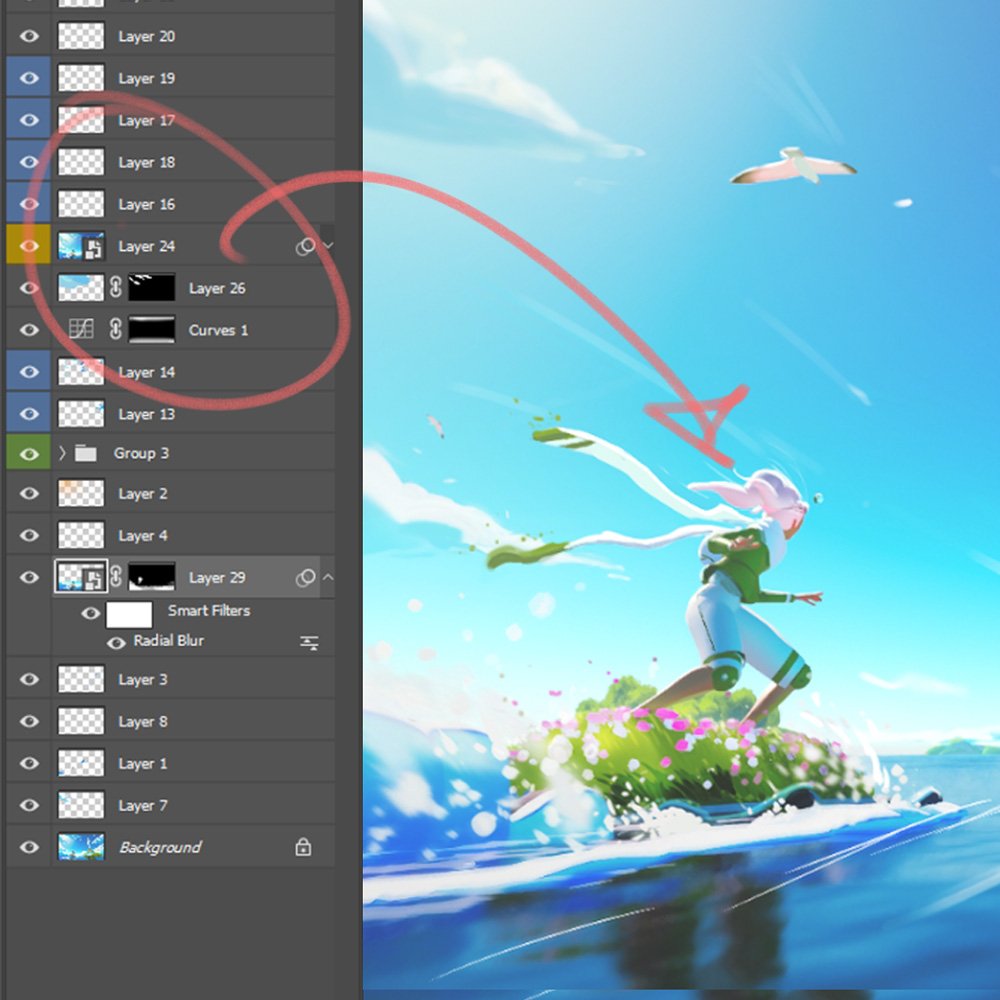
CHAPTER 10: "FROZEN IN TIME"
Description goes here-Overpainting process overview
-Explaining optimized Photoshop layering approach
-Additional 2D effects -
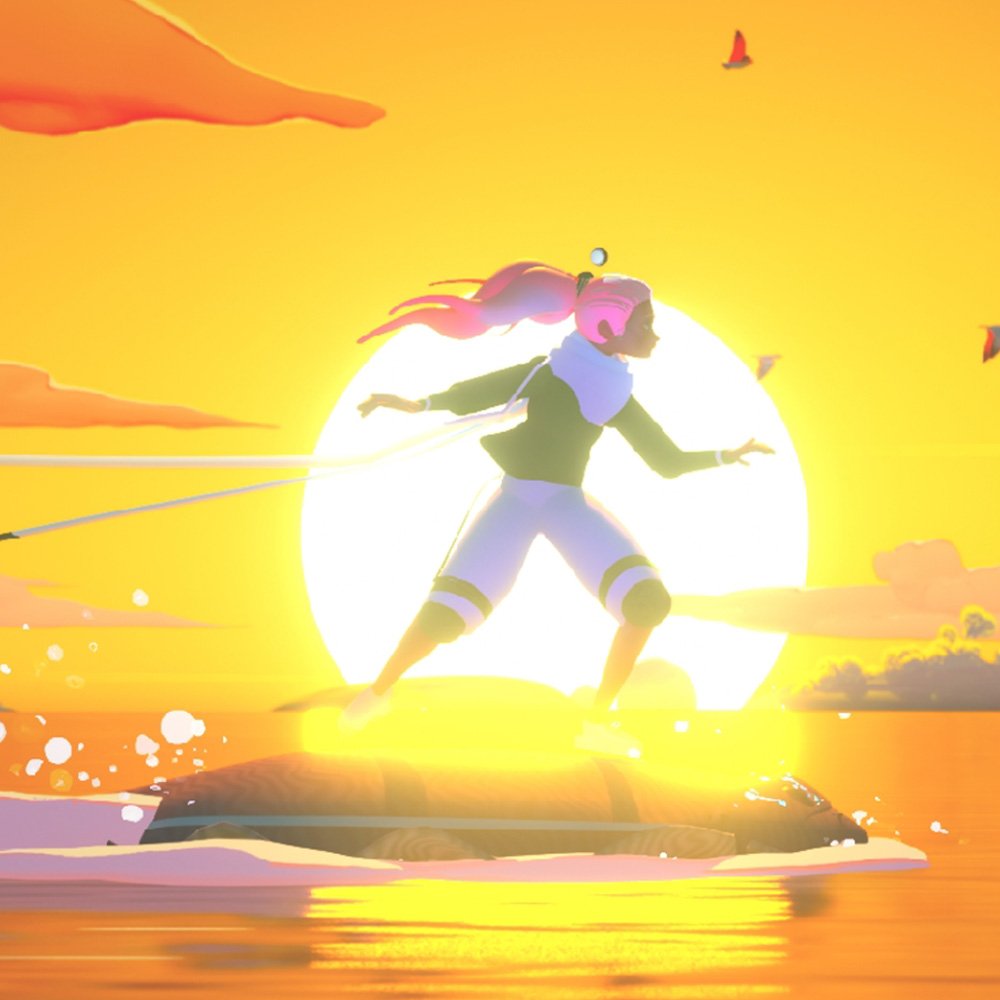
CHAPTER 11: SUNSET (EXTRA SHOT)
-Turning your sunny day into beautiful Sunset
-Adding bloom and atmospherics
-Combining everything together -
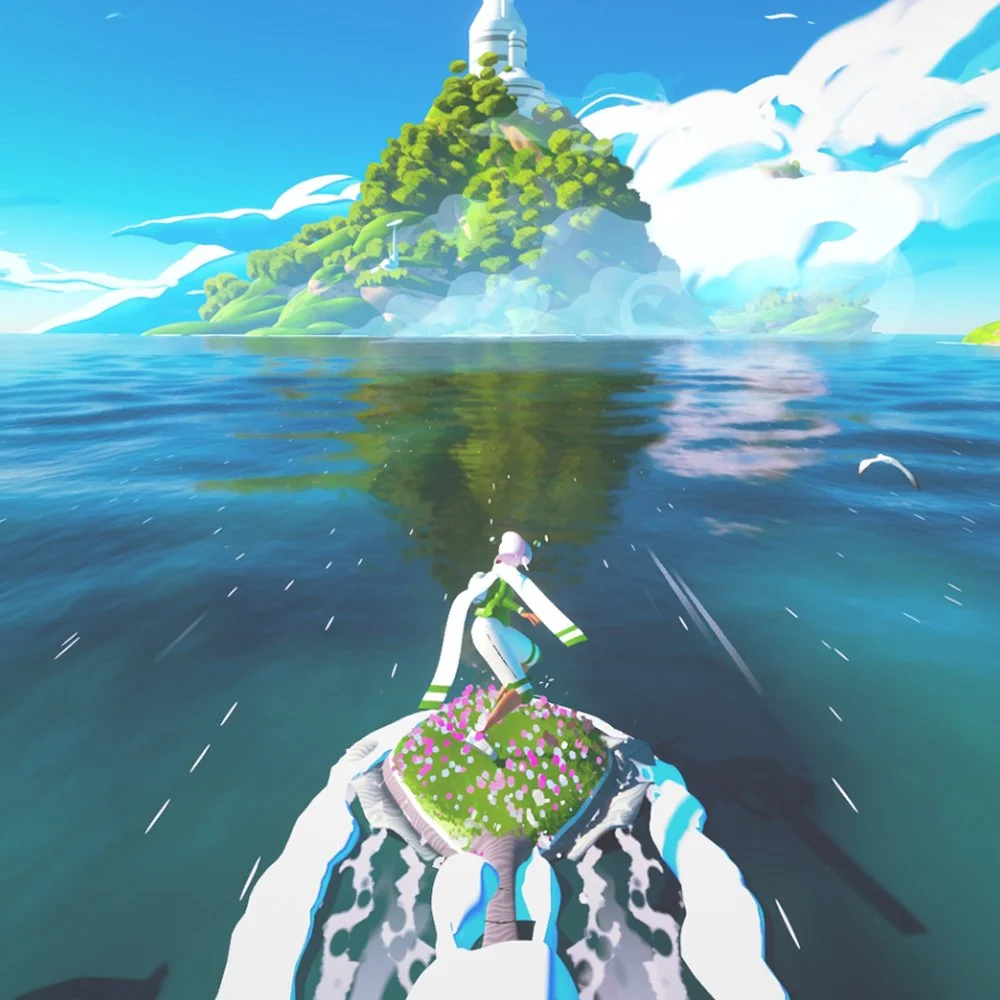
CHAPTER 12: JUGGLING WITH COMPOS!
-Scene layout and shader adjustments
-Camera Work
-Outro
Detailed Course Structure
-
Chapter 1: INTRODUCTION
-Meet your instructor
-What is Symbiont World?
-Course Overview and Assignment briefing
-Why sketching is essential?Chapter 2: Setting up base scene
-Gearing up your 3D tool set (softwares overview)
-Creating a base for your landscape (Sky, sun, water, all directly in 3D)
-Blocking out the world
-Exploring camera anglesChapter 3: Your new adorable buddy (Flobo)
-Overview of modelling techniques
-Understanding the difference between Hard Surface and Organic modelling
-Testing different shapes of our buddy
-Animating world elements around the characterChapter 4: Modelling Surfer Girl (Kontea)
-Intro to Character Modelling
-Animating your hero directly in the final pose
-Animating ponytail hair
-Animating clothes (scarf)
-Shading and texturingChapter 5: Creating and having fun with the Environment
-creating the Islands (modeling, procedural shading)
-creating the clouds (modeling, scattering, shading)
-creating the trees (modeling, scattering, shading)Chapter 6: "Wet Work" Creating water waves and splashes
-Animating water
-Animating splashes VFXChapter 7: Look, it moves! - animation
-Simple scene rigging (Character, wind, physics)
-Animating Flobo
-Creating fog and setting up alternative camera anglesChapter 8: The magic of Animation
-Putting the whole scene together
-Modelling windmill, correcting the whole layout, and optimize animation
-Overpainting and swapping the assets
-Painting and animating additional VFX effects
-Final Animation scene 01Chapter 9: Seagulls FTW!
-Modelling and animating Seagulls
-Matte Painting techniques overview
-Final Tweaks
-Alternative Final Animation scene 02Chapter 10: "Frozen in Time" Turning 3D Animation into Kickass Keyframe Painting
-Overpainting process overview
-Explaining optimized Photoshop layering approach
-Additional 2D effectsChapter 11: "Sunset" Alternative Sequence
-Turning your sunny day sequence into beautiful Sunset animation
-Adding bloom and atmospheric perspective to your 3D scene
-Combining colors while maintaining stylized approachChapter 12: Anime and changing composition
-Scene layout
-Shader Adjustments
-Camera Work
-Outro -
The unique opportunity to follow fully narrative 15 hrs real-time recorded tutorial and learn from the industry professional, senior Concept Artist - Jimmy Duda
Mastering designing stylized environments. stylized characters and making your own animated scene
Development of high quality professional animation
Advanced 2D/3D techniques.
Art Guidance and unique opportunity to work on your own project along with Jimmy during his 10 weeks Mentorships (TIER 2 class)
-
Dedication and passion for concept design and illustration.
Equipment – laptop or tablet and Photoshop or some other 2D graphics program (and knowledge of how to use it), 3D software (preferably Blender)
Motivation and discipline to fulfill homework.
Ability to speak and understand classes in English.
Student gallery