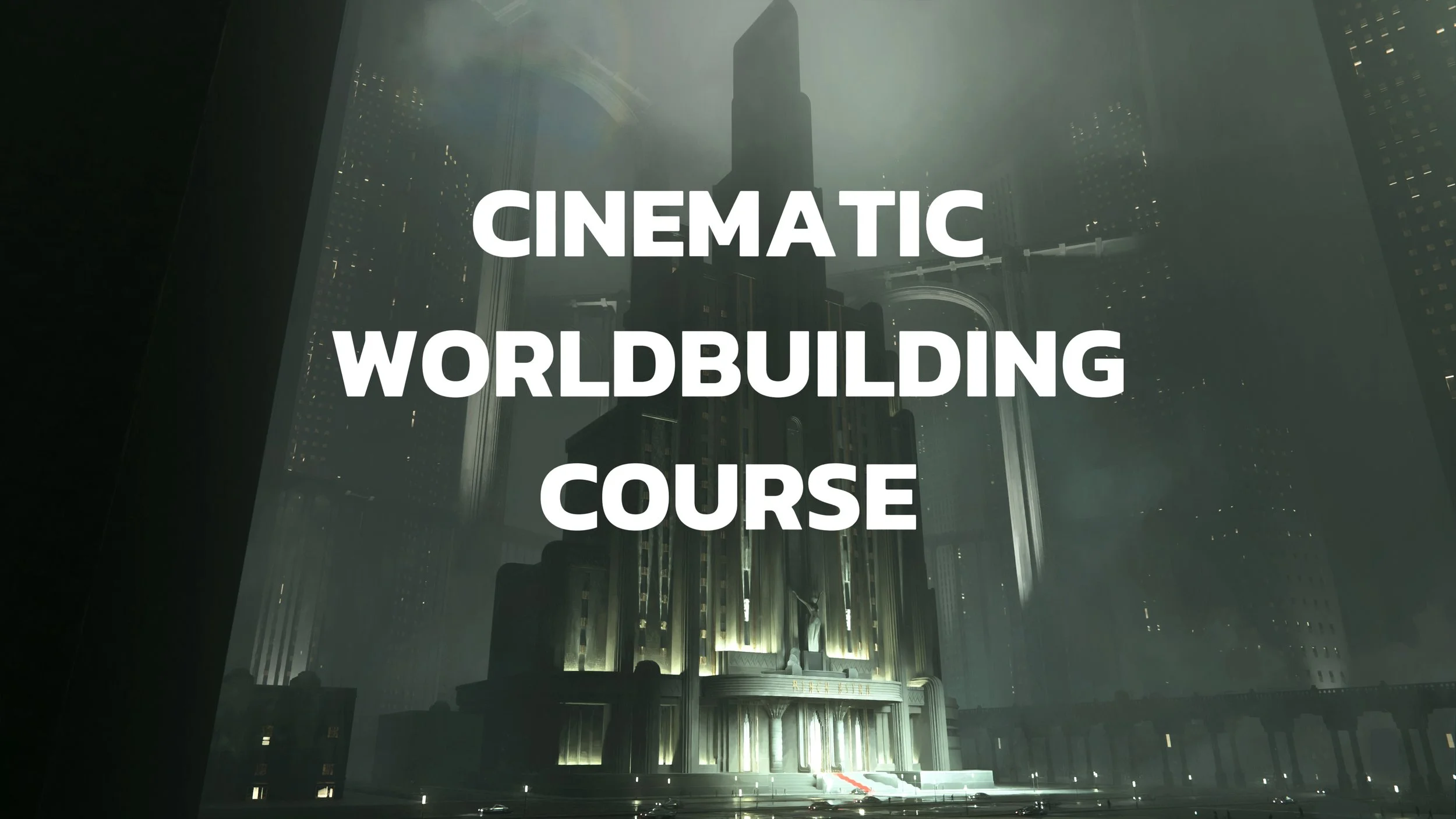
Cinematic Worldbuilding in Blender
| Time: | ENROLL TODAY! |
| Class date | Lifetime Access |
| Class length: | 10hrs real-time Narrative Course (9 Lessons) |
| Instructor: | Nana Dhebuadze |
| Location: | ONLINE |
| Course type: | PRE-RECORDED VIDEO TUTORIAL |
| Tools used: | Blender + Photoshop |
Course description
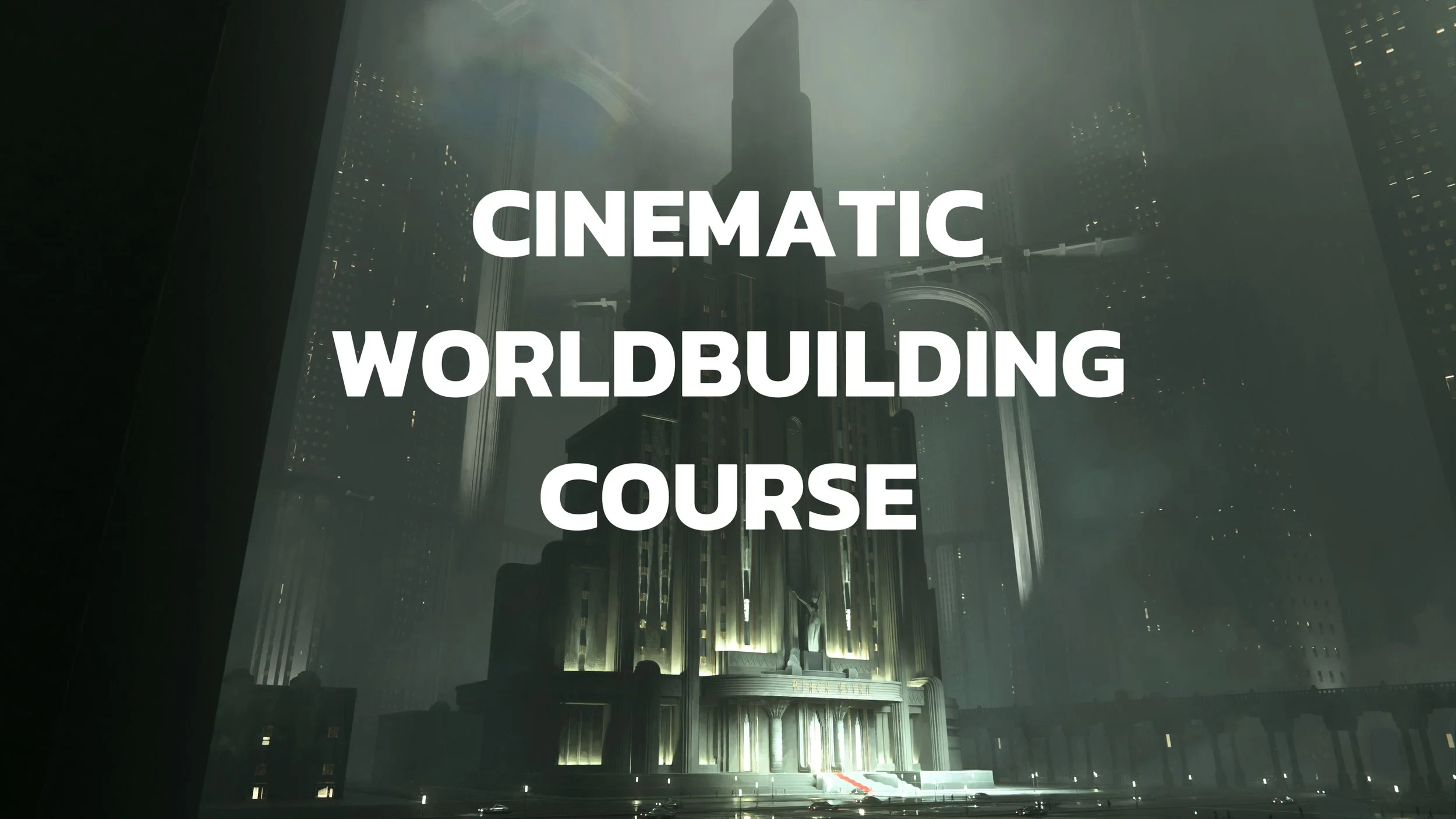
Learn how to create cinematic environments in Blender from initial sketch to final image with our Senior
Concept Artist instructor Nana Dhebuadze.
This course is designed for concept artists who want to improve their pipeline, techniques, and learn how to create cinematic environment designs from scratch using Blender.
We created a course that helps you to think like an artist and turning ideas into strong cinematic images.
Teacher

Nana Dhebuadze is a Freelance Concept Artist based in France.
8+ years of work experience in Film and Game Industry as a Concept Artist. Working with Production Designers and Art Directors to realize their vision. Specialize in keyframe art, environment concept art and character design.
Speaker at Vertex Conference (London 2024)
Past projects include: Secret Level, The Kingdom of the Planet of the Apes, Hocus Pocus 2, The Pope’s Exorcist 2, PUBG etc.
Clients include: Netflix, Aaron Sims Creative, Blur, Axis VFX, Ubisoft etc.



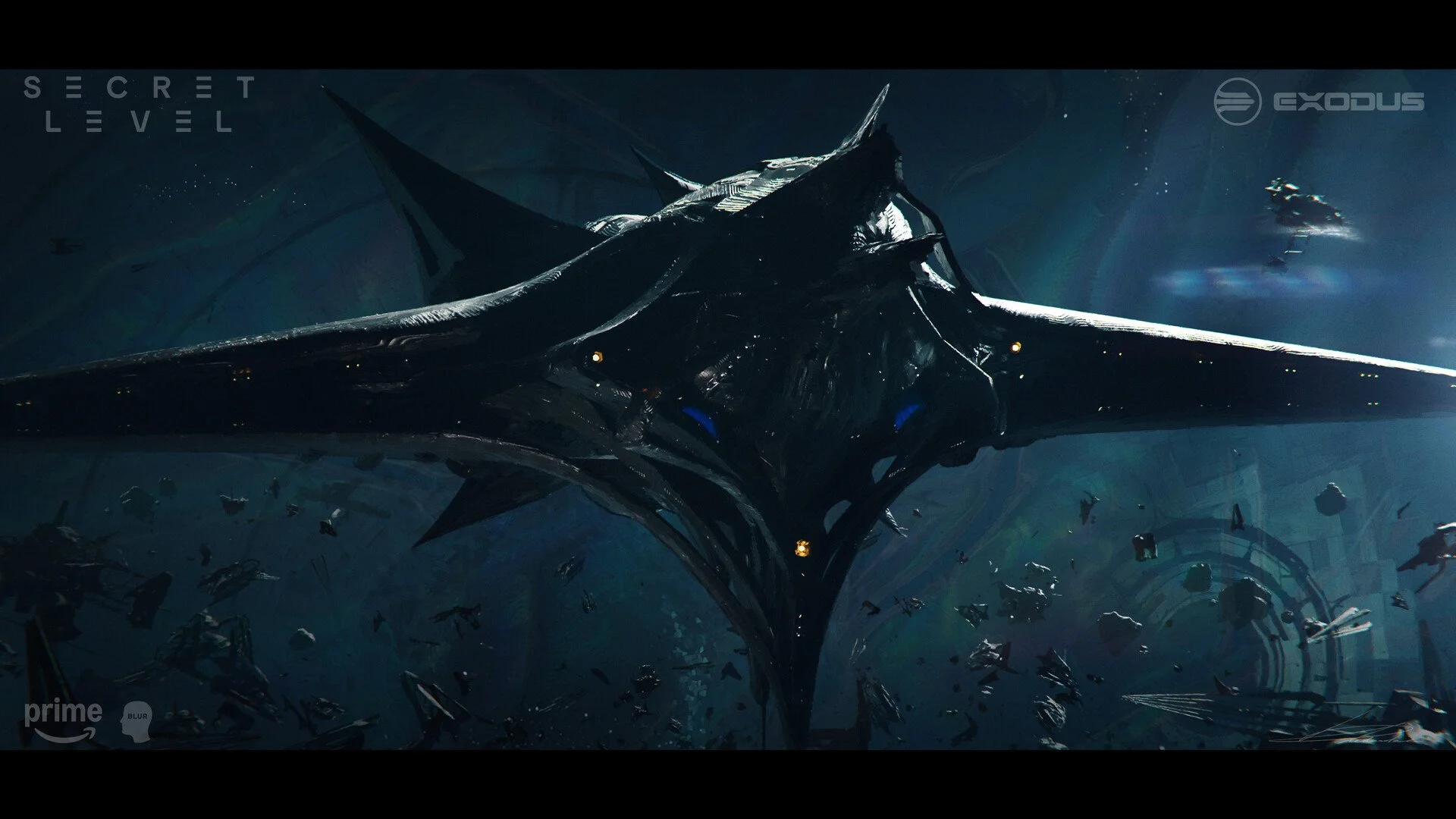

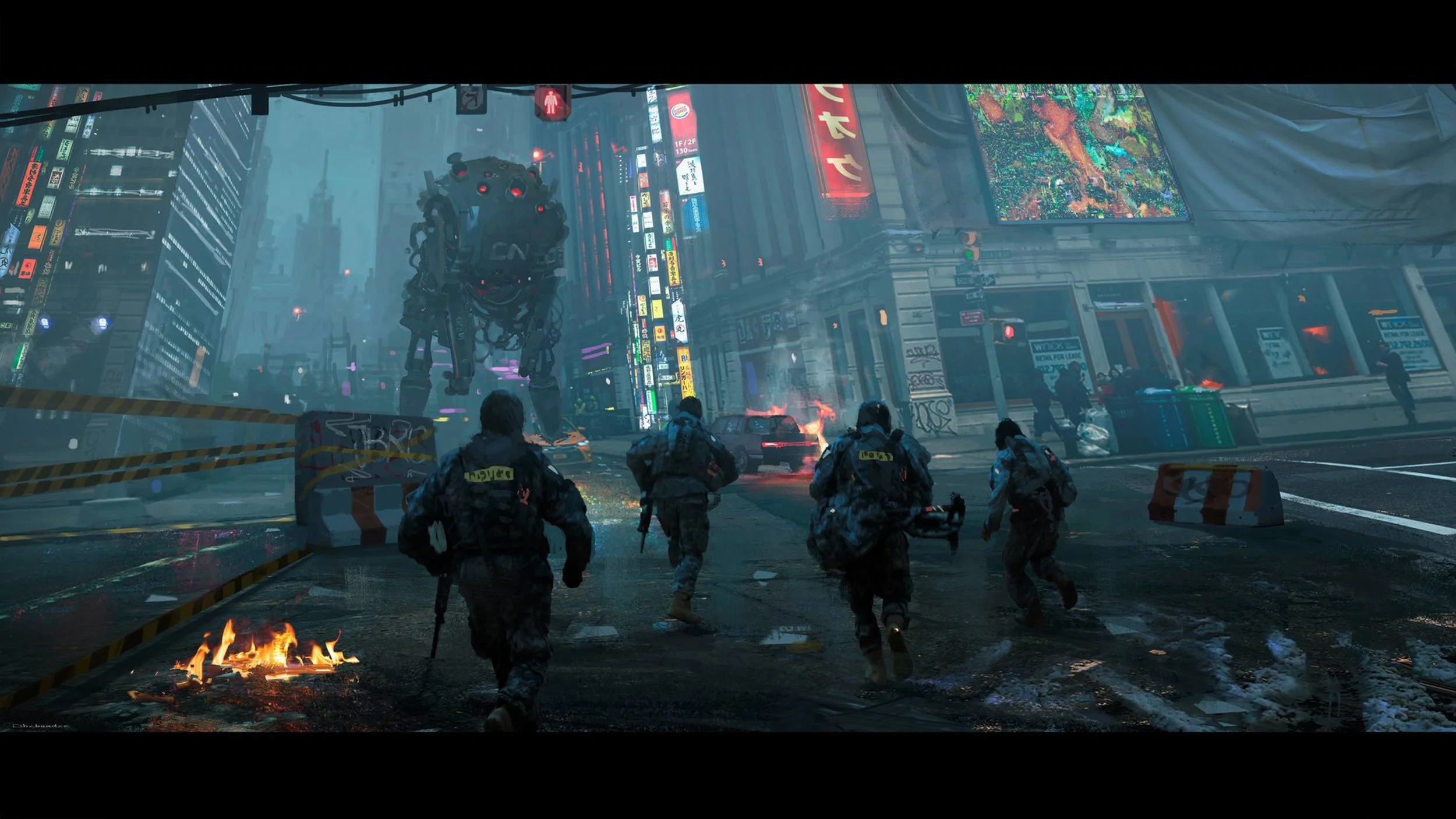
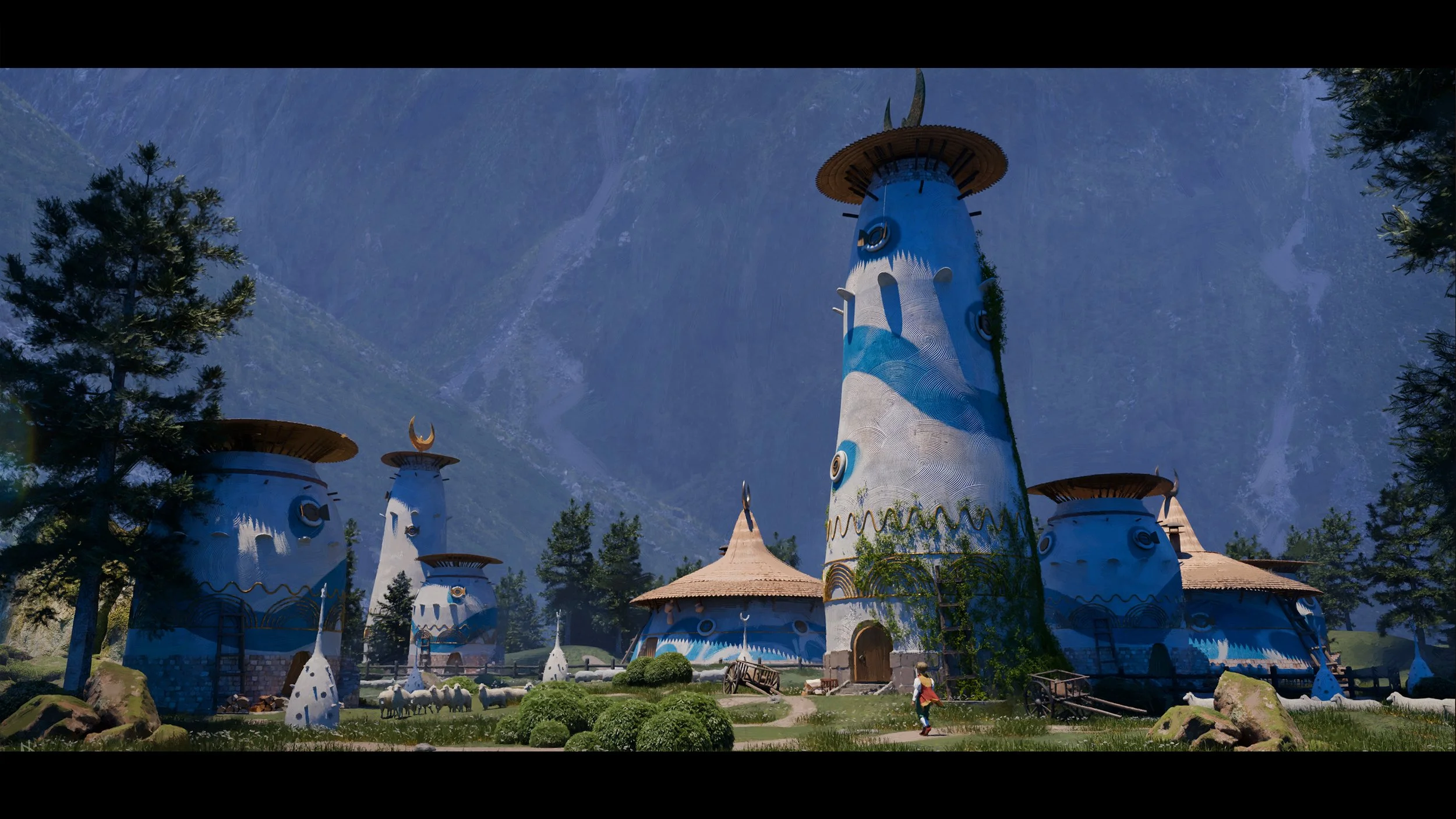

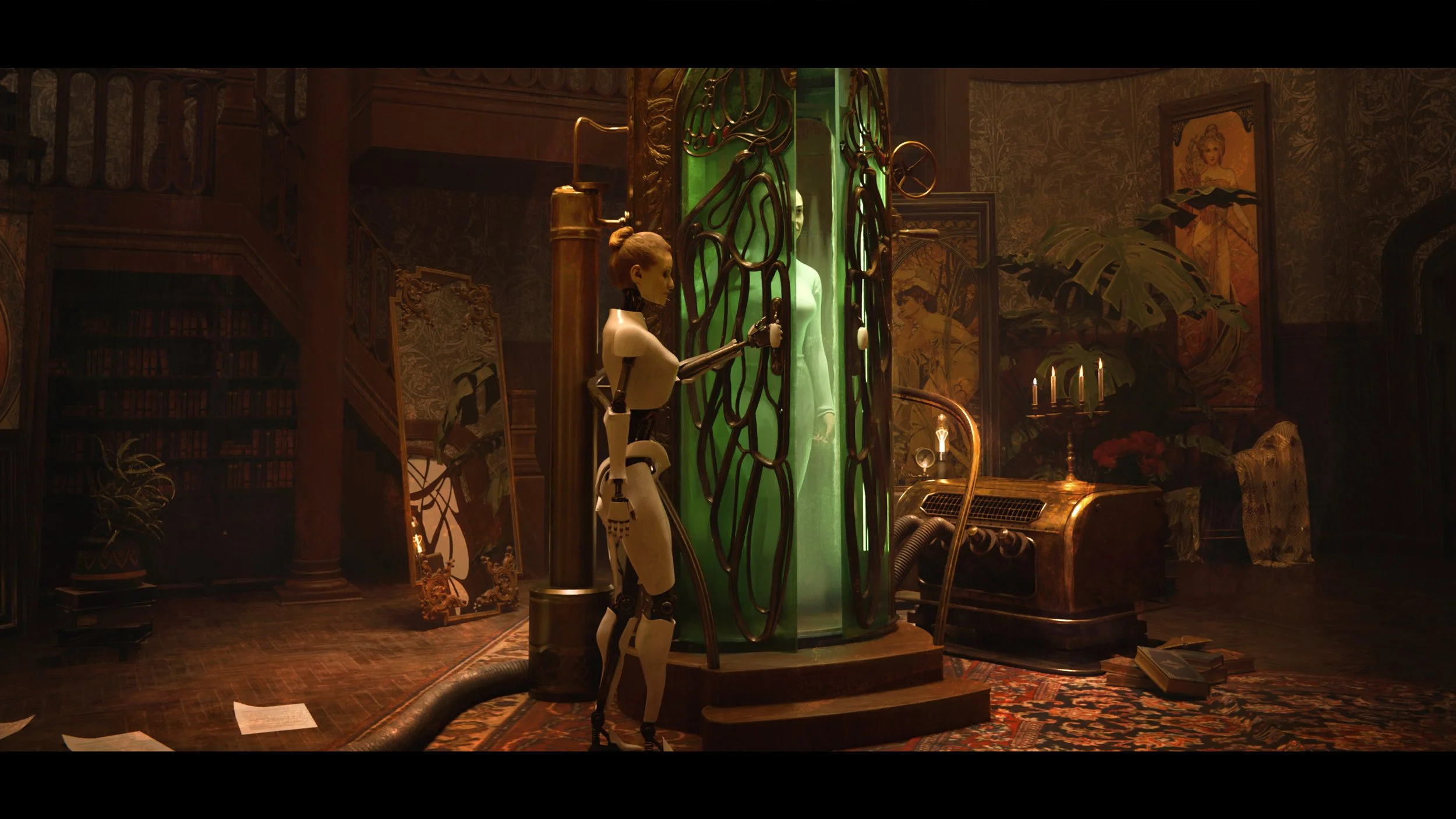
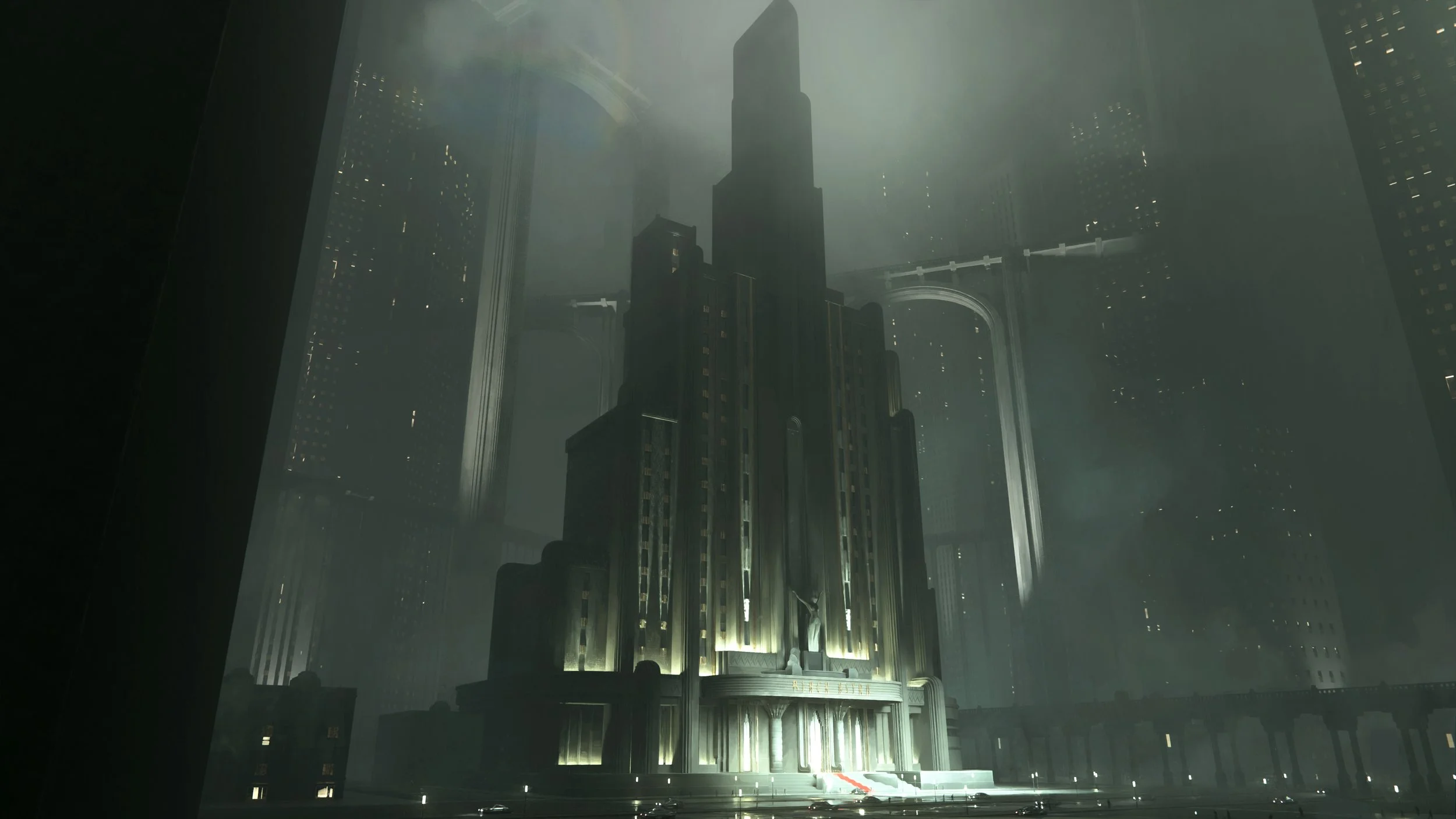
Course Structure:
-
INTRO
Sketching out the world
-
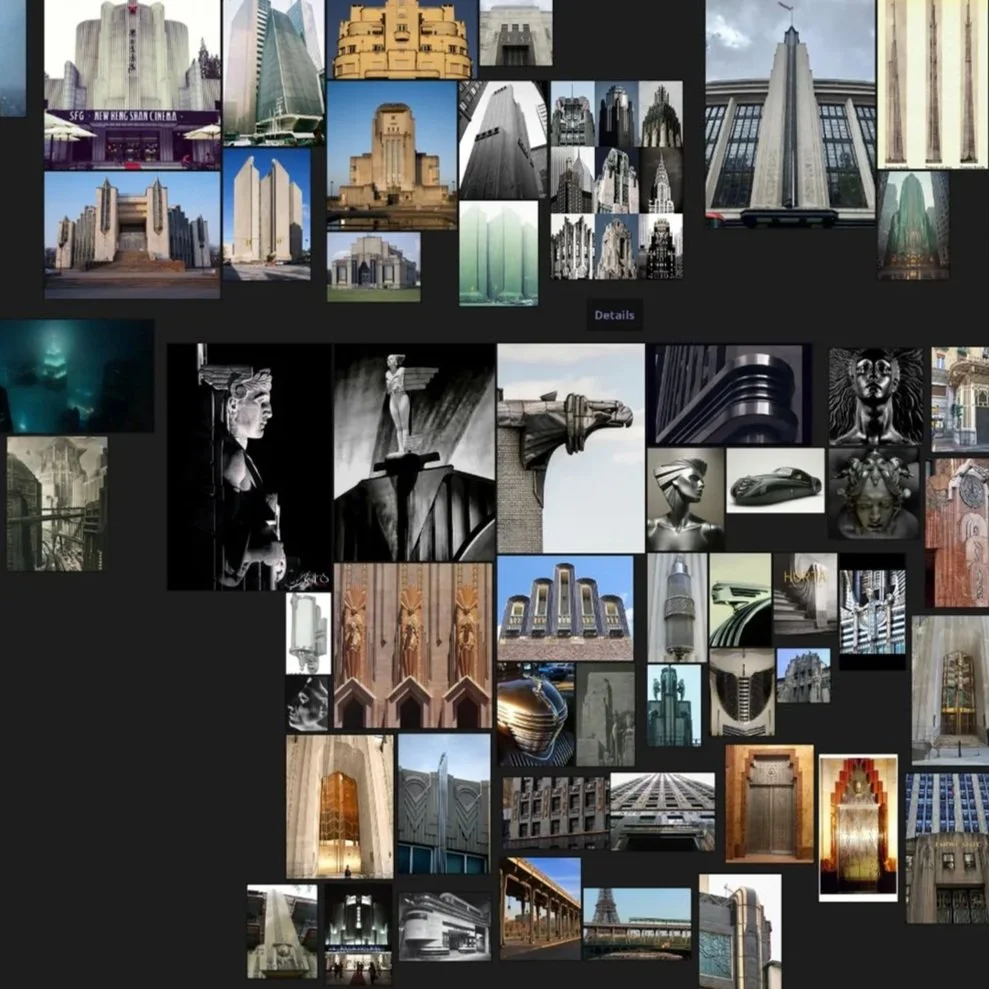
REFERENCES
Building and expanding visual library
-
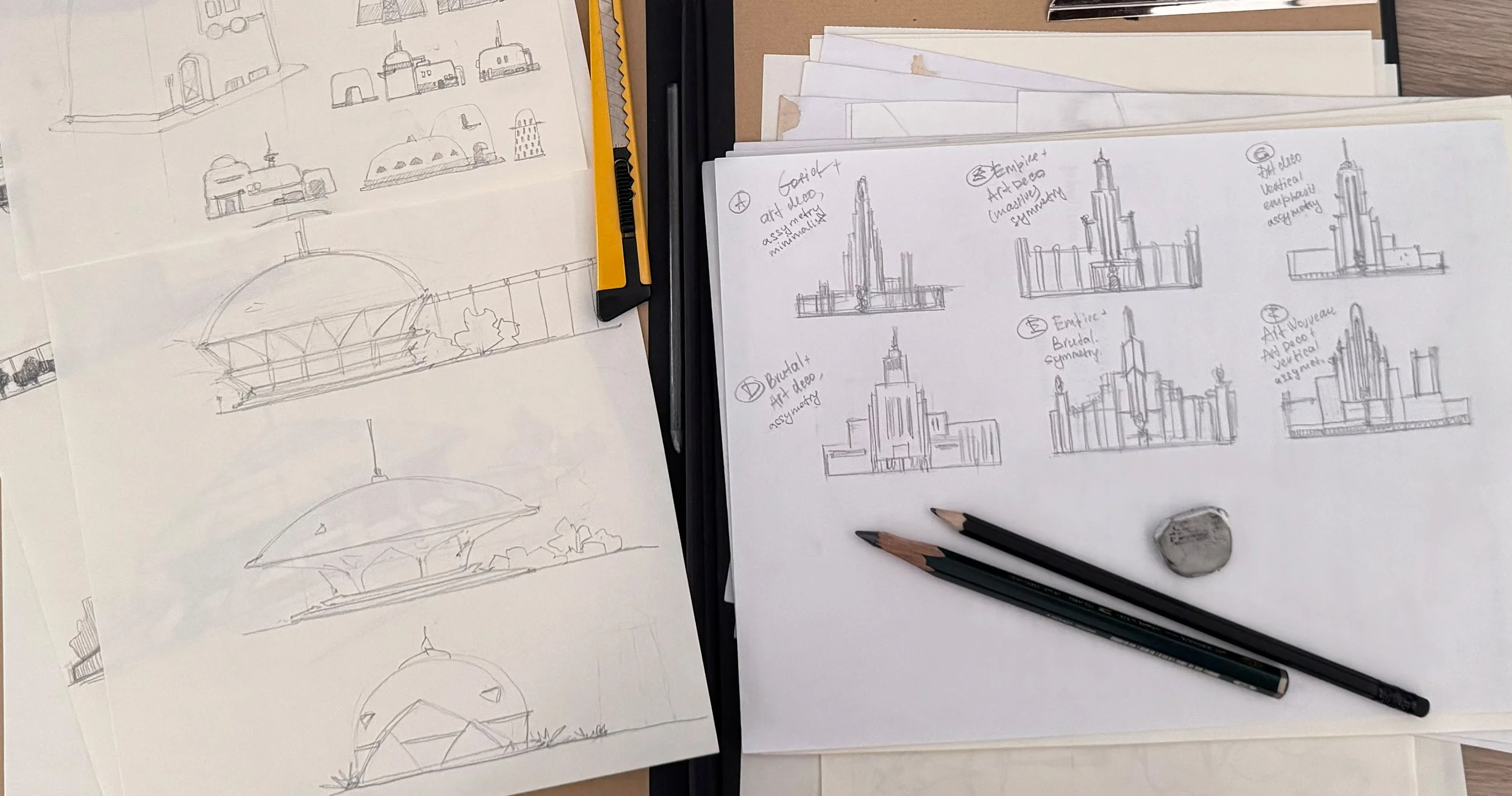
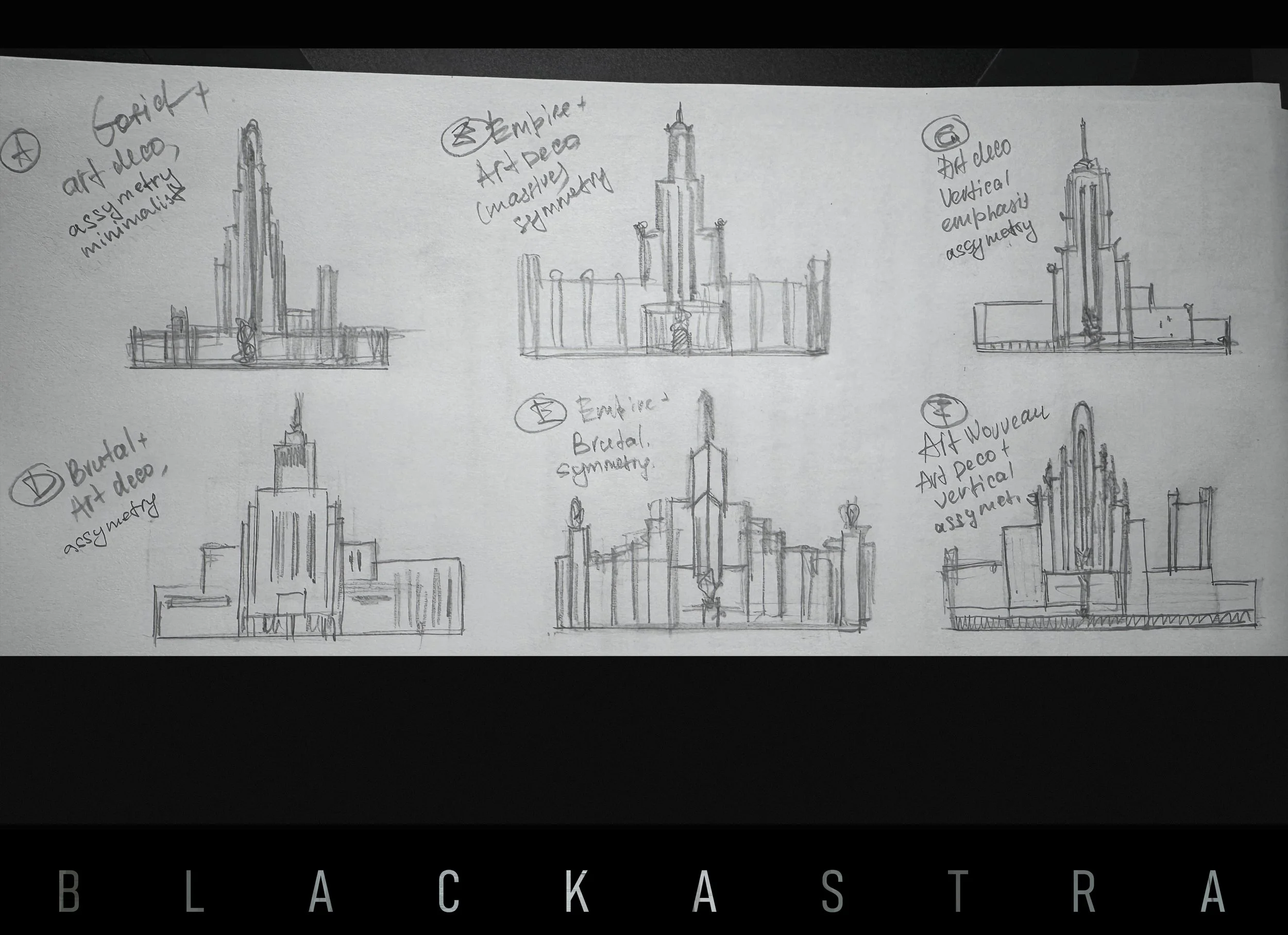
SKETCH PHASE!
Putting initial ideas on paper!
-
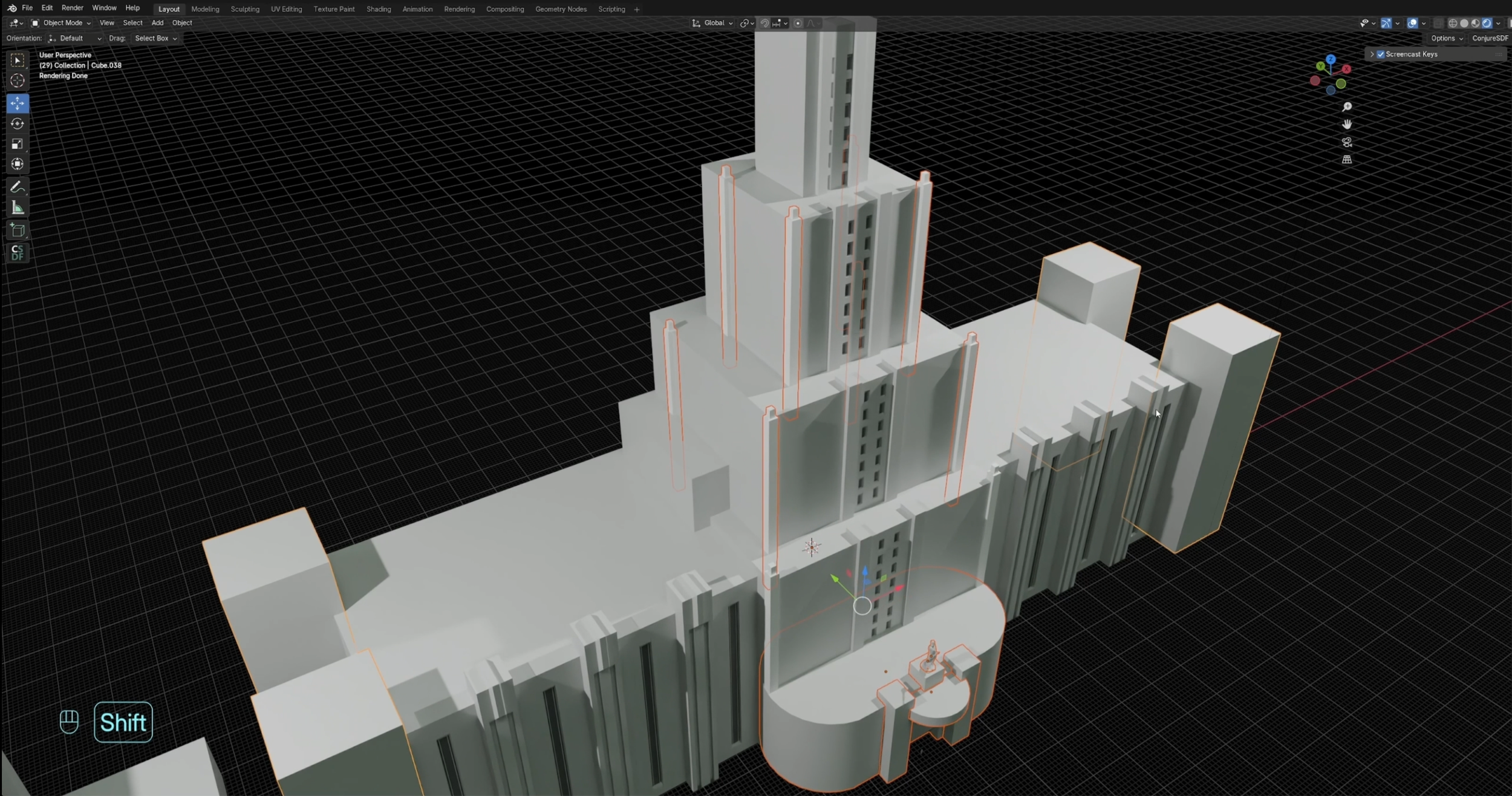
3D BLOCKOUT
Blocking out your scene
-
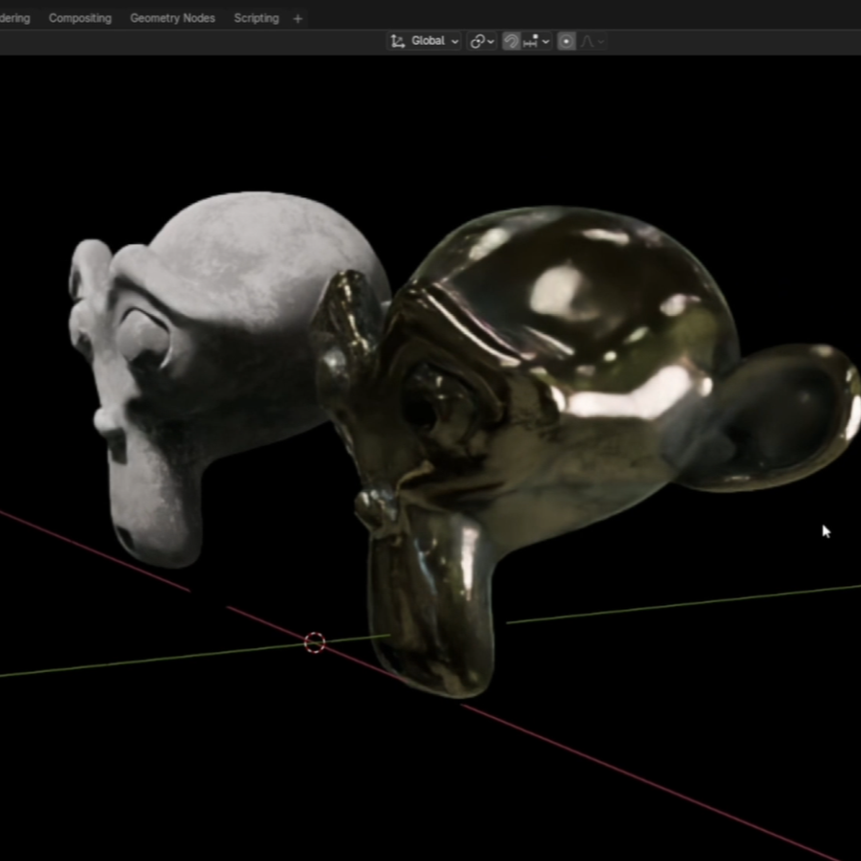
MATERIALS & ASSETS
Creating your custom materials
-
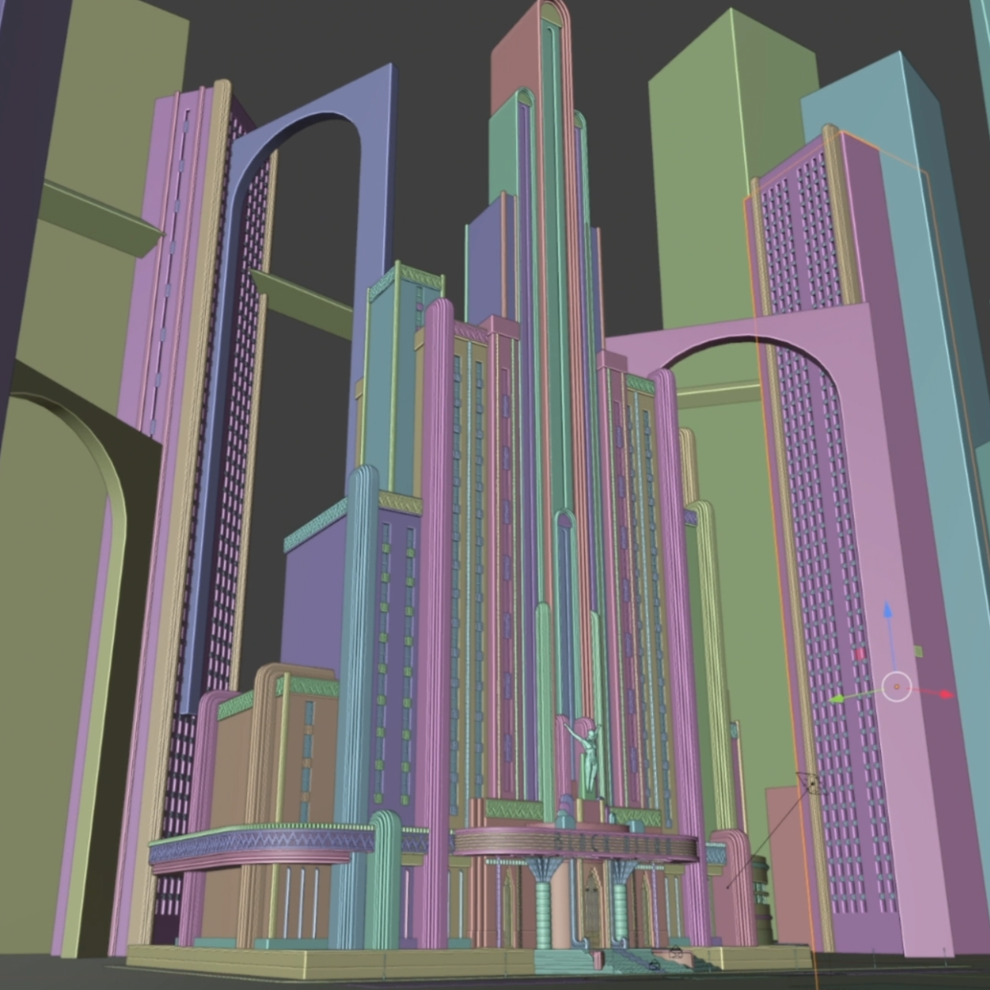
BUILDING SCENE (PART II)
Improving your scene with materials & assets
-
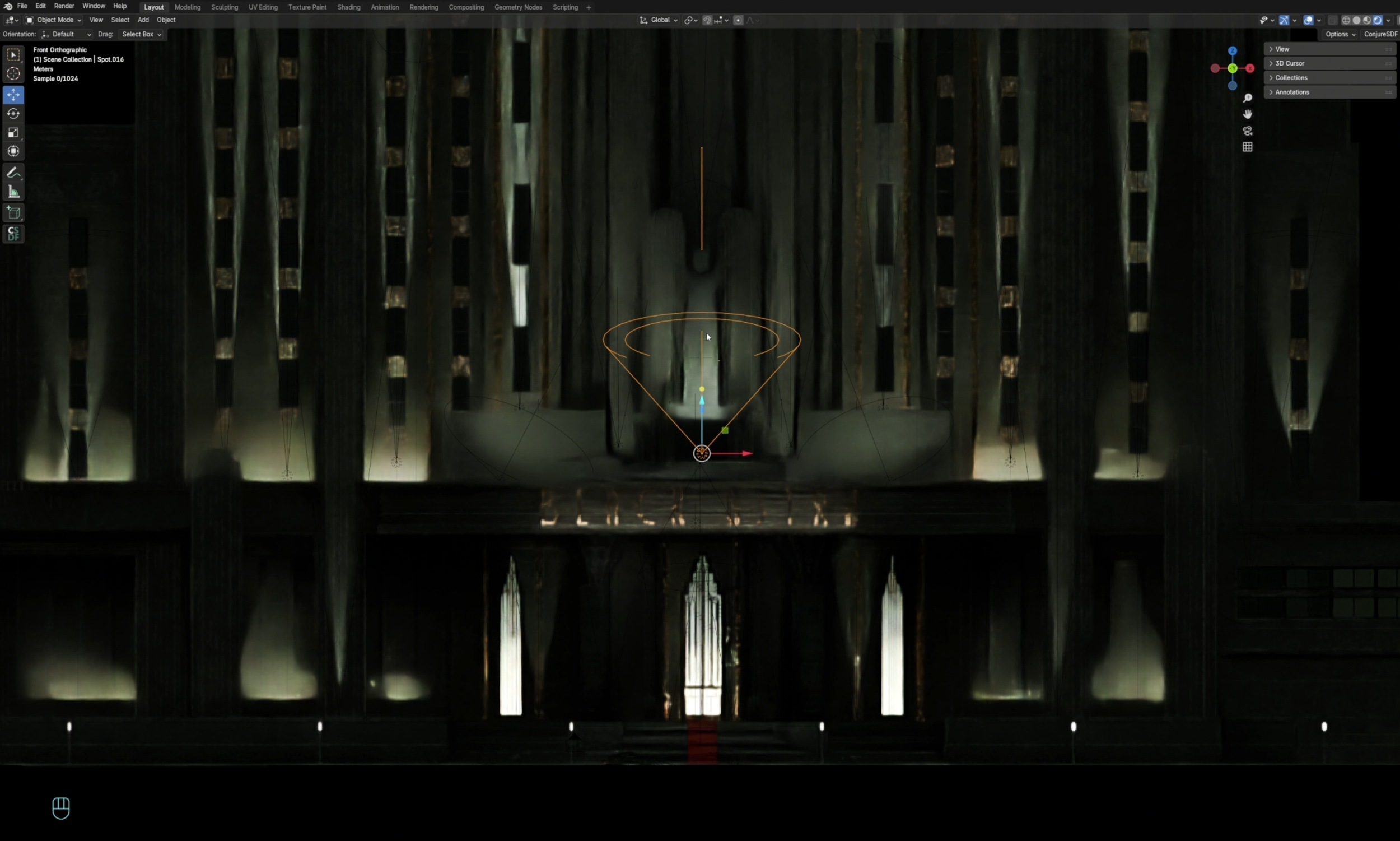
BUILDING SCENE (PART III)
Adding lights, details and making the scene pop!
-
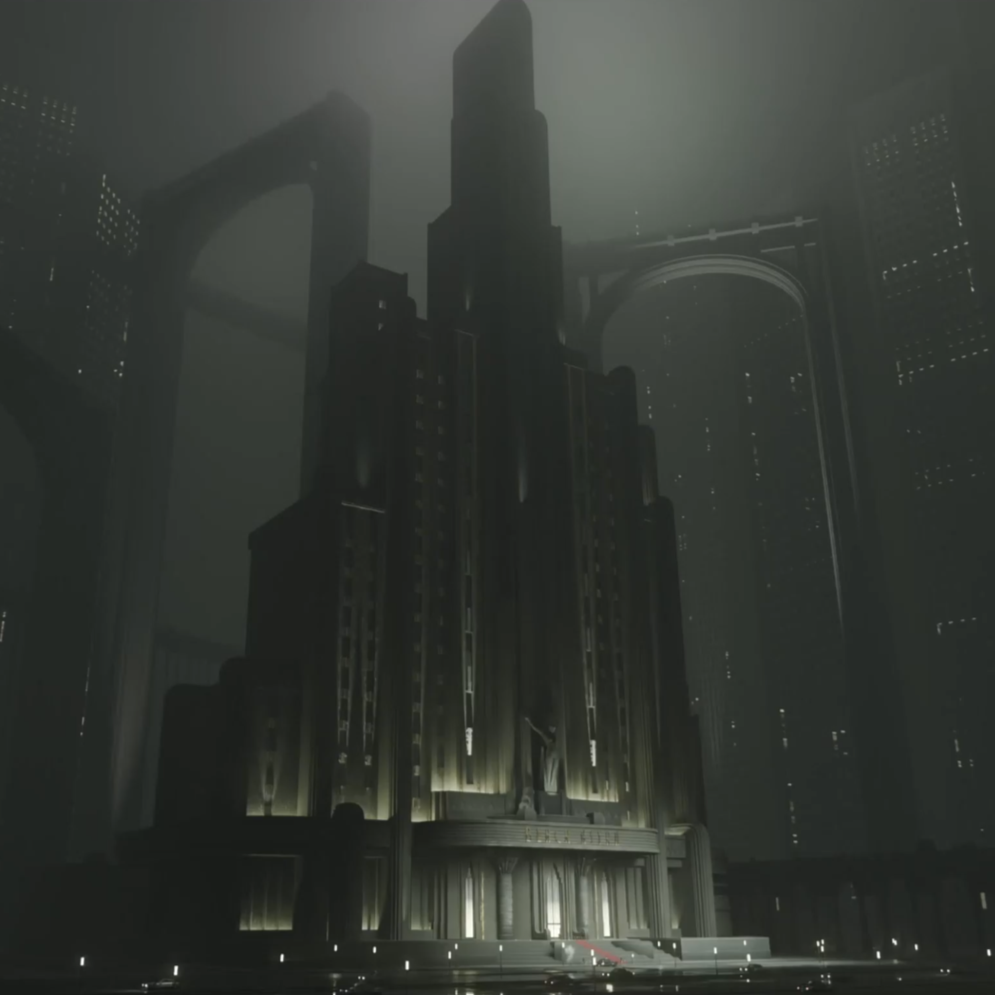
FINISHING STAGE!
Refining the final scene and creating multiple keyframes
-
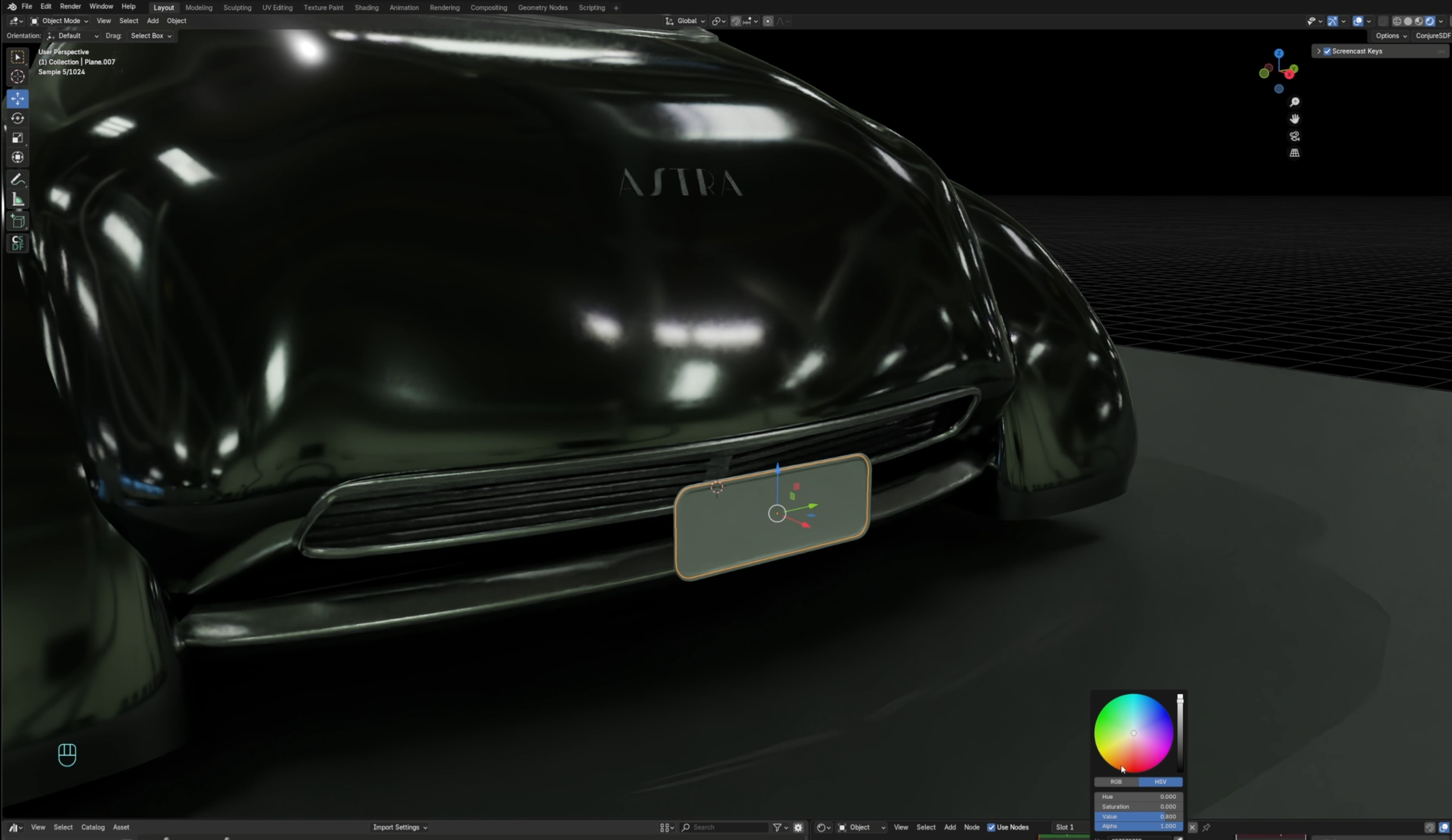
BONUS
Overview of building hero asset
Detailed Course Structure
-
Chapter 1: Introduction
Introduction
About Your Instructor
Portfolio Overview
Course OverviewChapter 2: References
Organizing References
Creating a Moodboard
Chapter 3: Sketches
Creating Sketches
Overview of the Blender Workspace
Creating the Initial 3D ModelChapter 4: 3D Scene Blockout
Overview of Blender Tools
Initial Scene Blockout
Building the Scene (Part I)Chapter 5: Materials & Assets
Material Setup
Creating 3D Assets
Chapter 6: Building the Scene (Part II)
Applying Assets and Materials
Building the Scene (Part II)Chapter 7: Building the Scene (Part III)
Working with the Environment
Lighting Setup
Adding Details
Final TouchesChapter 8: Finishing Stage
Render Setup
Paintover and Final TouchesChapter 9: Building a Vehicle (Bonus)
2D Car Sketches
Car Modeling -
Who this course is for:
-Junior artists aiming to build a solid, professional foundation
-Intermediate artists who want to improve their pipeline and workflow
-Anyone interested in learning Environment Concept ArtWhat You’ll Learn:
-How to turn a 2D ideas into 3D
-How to build a complete cinematic environment from scratch using Blender
-Technical aspects and fundamentals, including working with ideas, composition, and lighting and more! -
Dedication and passion for concept design and illustration.
Equipment – laptop or tablet and Photoshop or some other 2D graphics program (and knowledge of how to use it), 3D software (Blender)
Motivation and discipline to create your very own cinematic worldbuilding experience project!
Student gallery